Aperture media kit
Logos, app icons, banners, screenshots and colours for writing about Aperture, with the rules for using them. Everything is free to use for that: see how to use it.
Download by part.
Each zip holds the files of one section, with a short README. The full kit holds all of it except the videos.
- Everythingaperture-media-kit.zip, 12 MB
- Logosaperture-logos.zip, 2.5 MB
- App iconsaperture-app-icons.zip, 0.5 MB
- Banners and social imagesaperture-banners.zip, 2 MB
- Screenshotsaperture-screenshots.zip, 6.5 MB
- Coloursaperture-colors.zip, 0.2 MB
About Aperture.
Text you can copy, and the facts as the website states them.
One line
Aperture is a self-hosted video recorder for IP cameras, for Linux.
Short
Aperture NVR records IP cameras on your own Linux machine, spots people, vehicles and parcels without a cloud, and plays it back in the web or on iPhone.
Long
Aperture is a network video recorder for Linux. It records every IP camera that speaks RTSP, tells a person from a passing branch without sending a frame anywhere, and plays it all back in a fast web app on your phone or desktop. Footage stays on your disks. The source is on GitHub under the PolyForm Noncommercial license: free for personal and other noncommercial use; commercial use needs a separate license from the author. Aperture is an independent project and is not affiliated with any camera maker.
- NameAperture (Aperture NVR where it must be told apart from other things called Aperture)
- What it isA network video recorder (NVR) for IP cameras
- PlatformLinux on x86-64, installed with one command and a setup wizard
- CamerasRTSP and ONVIF IP cameras
- RecognitionPeople, vehicles, animals and parcels, on your own hardware, with no cloud account
- AppsA web app that also installs on phones, and an iPhone app that connects to your own server
- LicensePolyForm Noncommercial 1.0.0: free for personal and other noncommercial use; commercial use needs a license from the author. Source-available, not open source
- MakerTheOriUHD, an independent project
- Websiteaperturenvr.com
- Documentationdocs.aperturenvr.com
- Live demodemo.aperturenvr.com
- Sourcegithub.com/TheOriUHD/aperture
- Contactcontact@aperturenvr.com
Write the name as Aperture. Where it has to be told apart from other things called Aperture, write Aperture NVR. Not APERTURE, ApertureNVR or Aperture-NVR.
Logo.
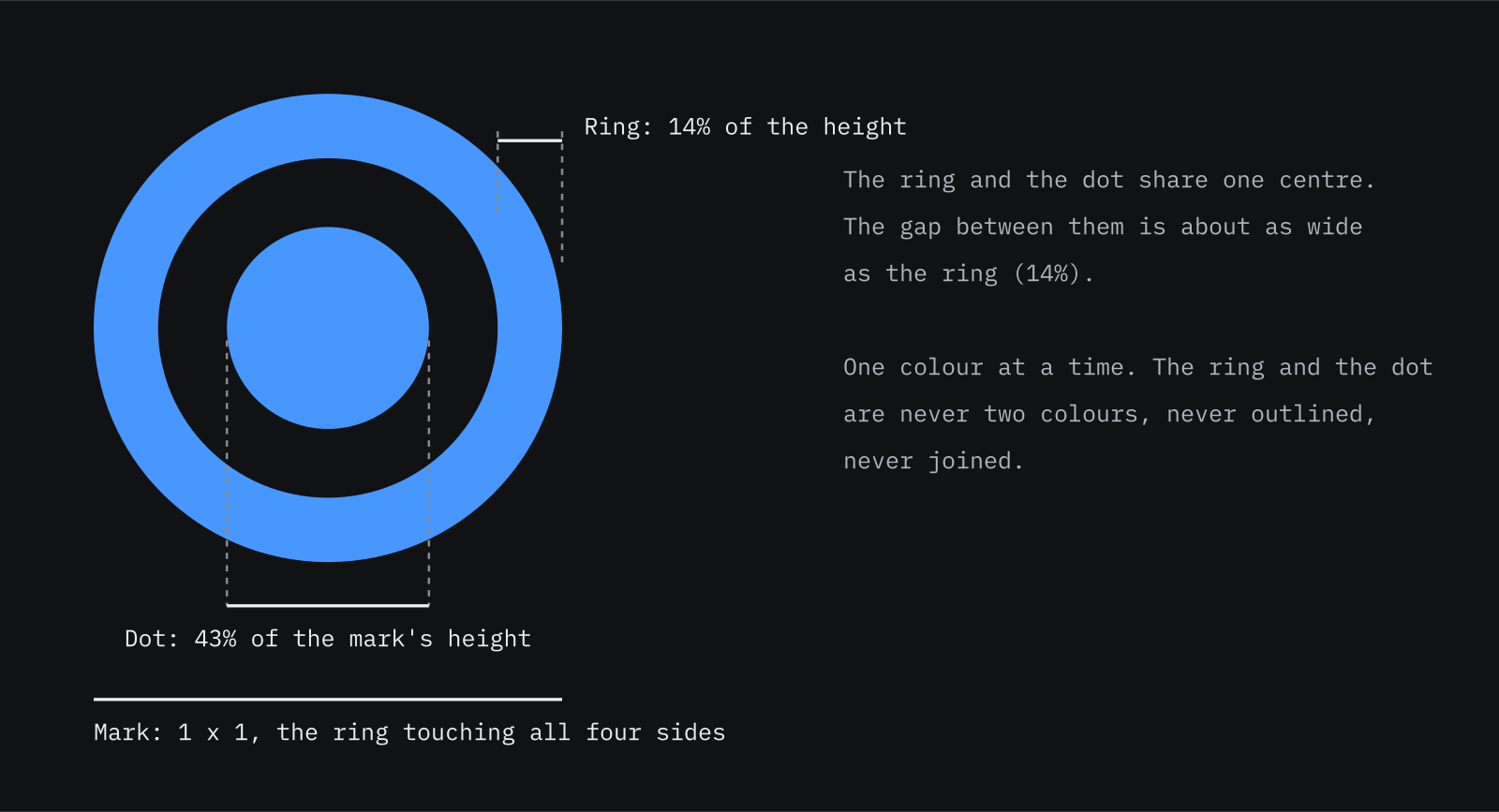
The mark is a ring and a dot. The logo is the mark and the name, set in IBM Plex Sans SemiBold. The name is drawn as outlines, so the files need no font. Every file has a transparent background.
The mark
A ring and a dot. Use it alone for avatars, buttons and anywhere the name is already written.

Brand blue
On dark backgrounds

Deep blue
On light backgrounds

Black
One colour, light backgrounds

White
One colour, dark backgrounds
Horizontal logo
The default. Use it wherever there is room.





Stacked logo
For square and narrow spaces.










App icons.
The mark on a tile, in the shapes each platform asks for. The iOS, Android and web icons also come as full sets of sizes in the zip.
Rounded tile
The icon as the website and the web app use it, with transparent corners. For documents, slides, directories and favicons.


iOS and iPadOS
1024 x 1024, square and without transparency: iOS rounds the corners. iOS 18 asks for three: the default, a dark one and a tinted one.




Android
An adaptive icon is two 432 x 432 layers (the system masks and animates them) and a themed one-colour layer; the Play Store wants a flat 512 x 512.




Web and installable app
Favicons and the icons a web app manifest asks for, including the maskable one that Android crops to a circle or squircle.

Favicon
SVG, PNG 16 to 64 and a .ico with 16, 32 and 48.

Web app icon, 192

Web app icon, 512

Maskable, 512
The mark stays inside the central 80%, where every mask keeps it.

Apple touch icon, 180
For 'Add to Home Screen' on iPhone and iPad.
macOS
The tile inset in a 1024 canvas, with the soft shadow macOS icons carry.

Profile pictures
Square, with the mark central enough to survive a circular crop. For GitHub, Discord, Mastodon, X, YouTube and the rest.


























































































































In your own manifest
A web app manifest that uses the web icons:
// site.webmanifest
{ "icons": [
  { "src": "/icon-192.png", "sizes": "192x192", "type": "image/png" },
  { "src": "/icon-512.png", "sizes": "512x512", "type": "image/png" },
  { "src": "/icon-maskable-512.png", "sizes": "512x512", "type": "image/png", "purpose": "maskable" }
] }
Banners and social images.
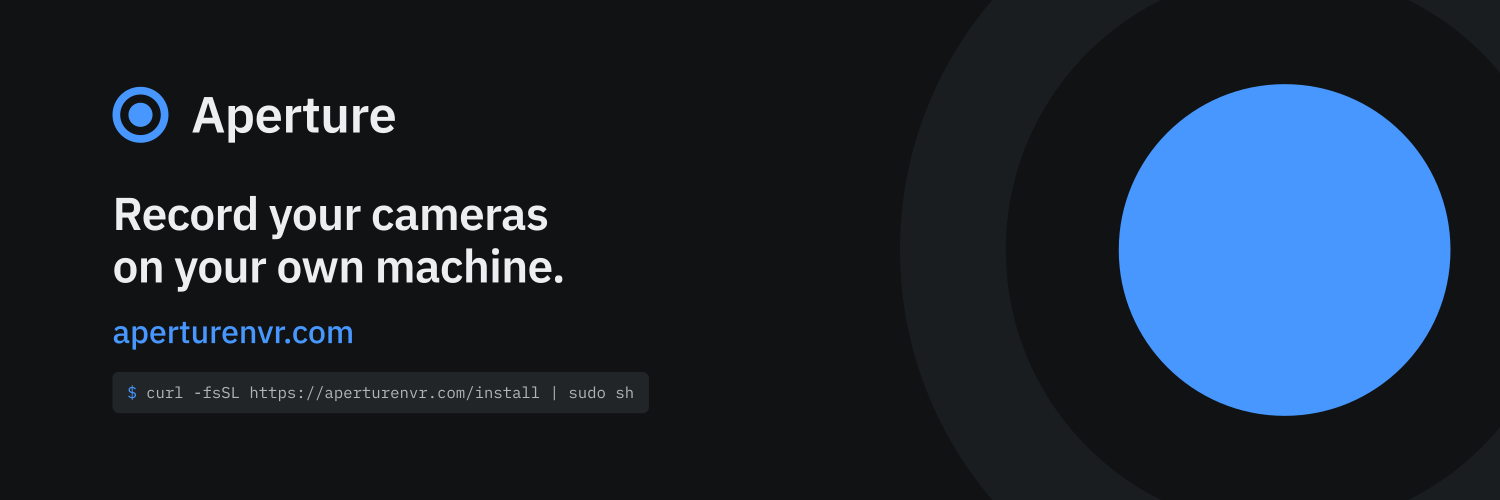
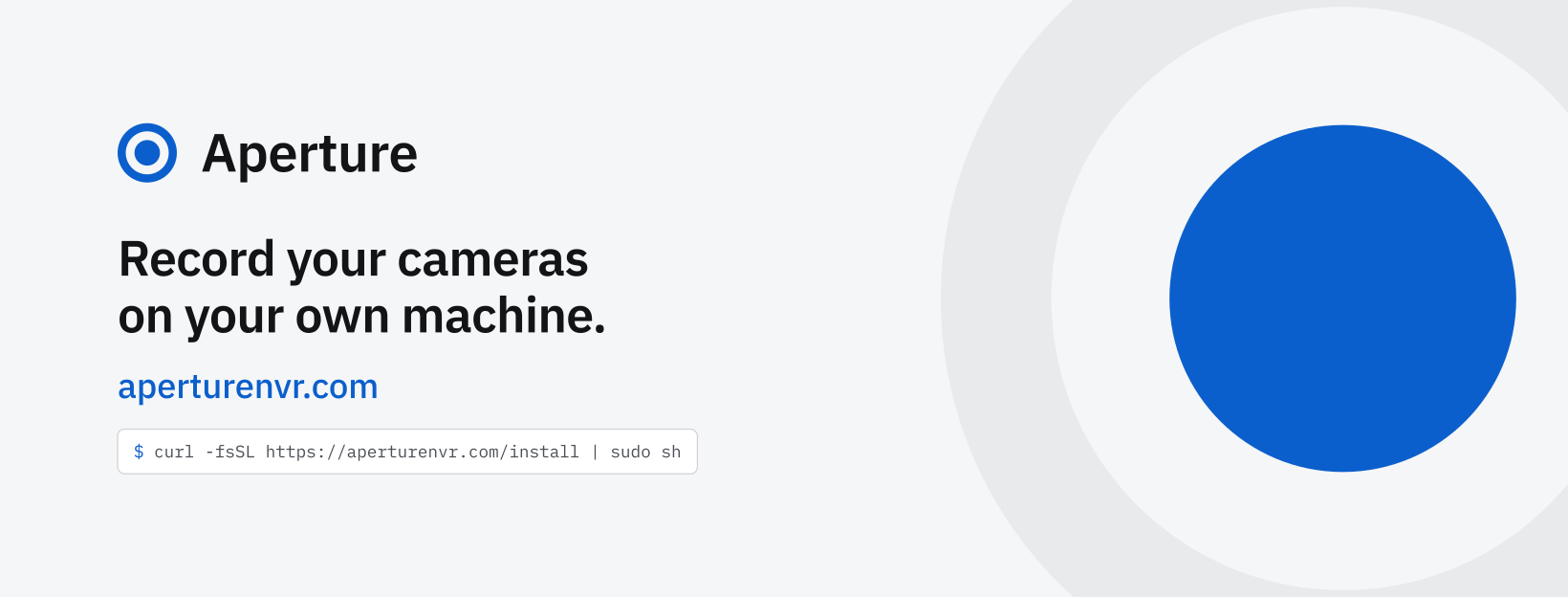
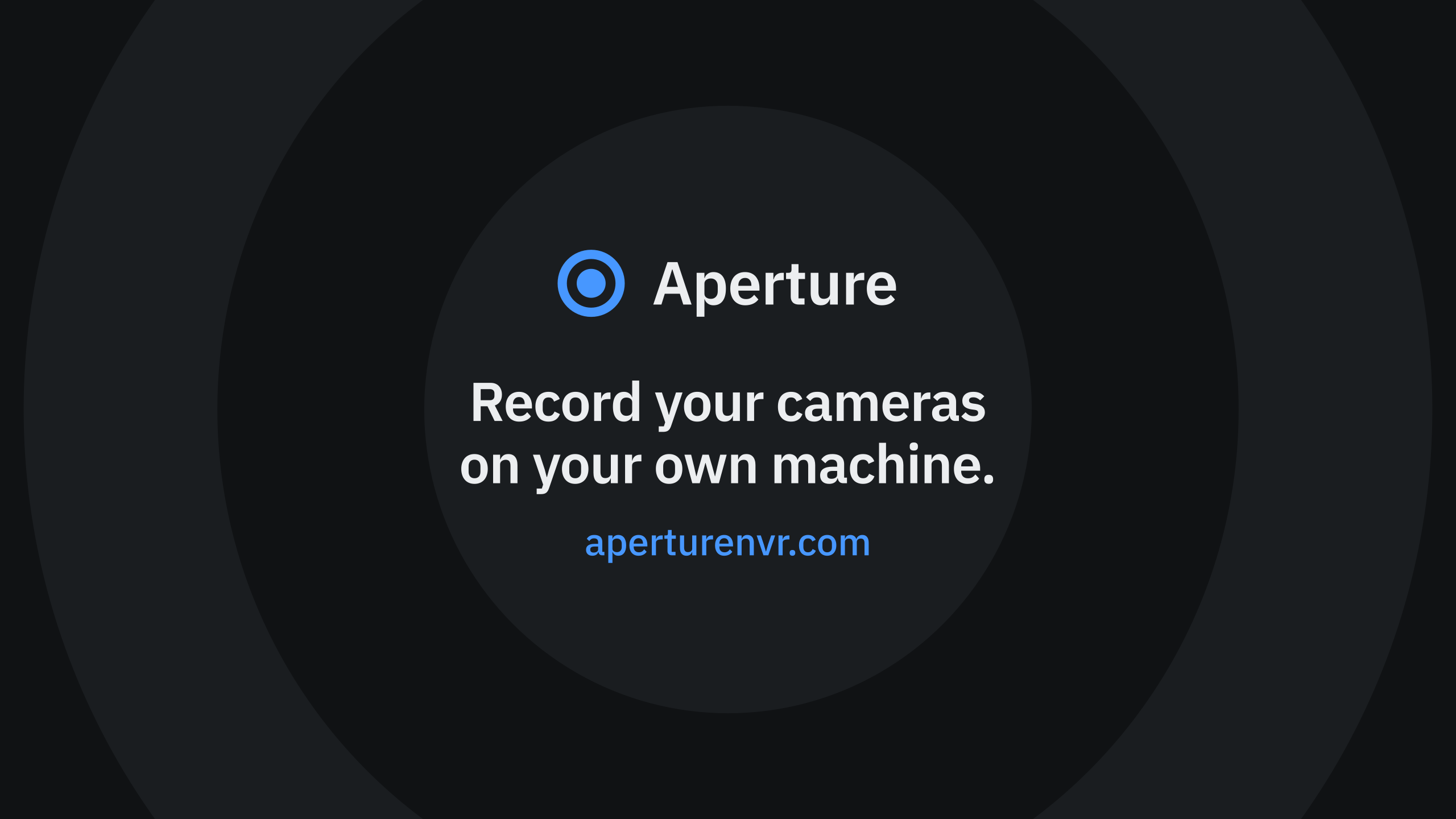
One composition, laid out for each size, in a dark and a light version: the line the website opens with, the address to type, and where there is room the install command. Select a picture to download its PNG.
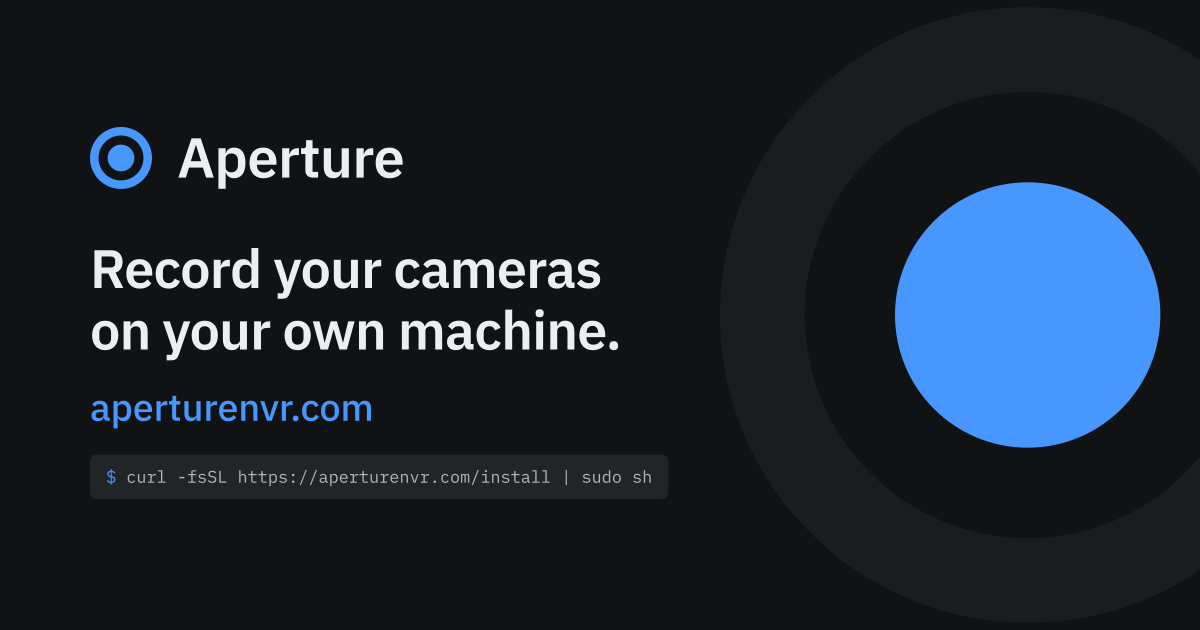
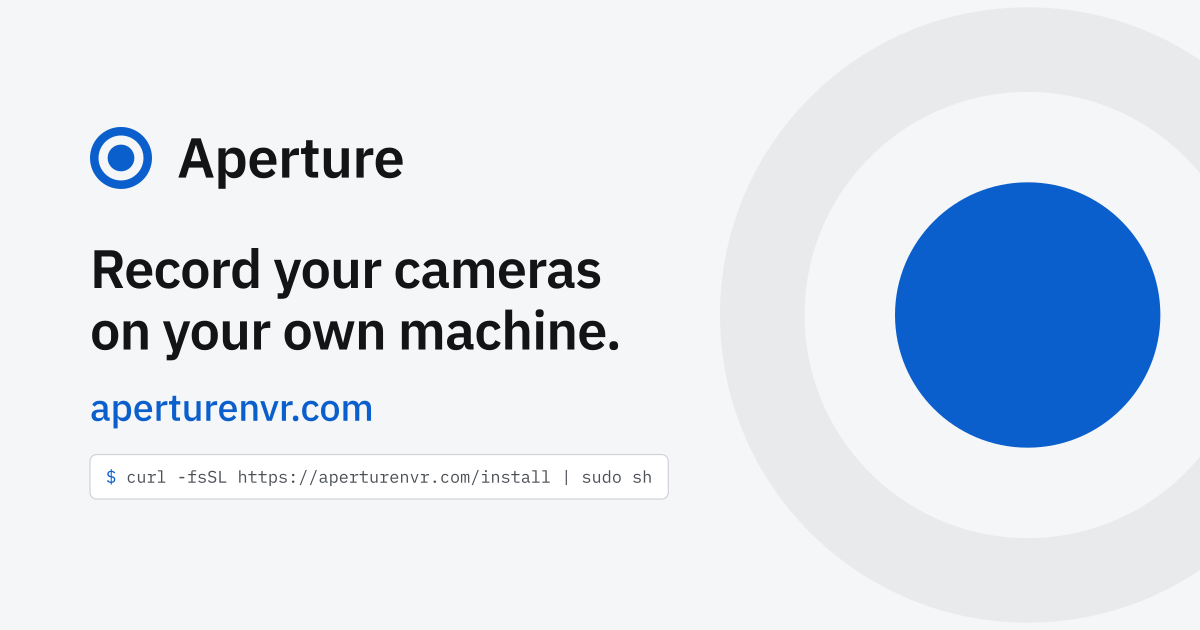
Link preview 1200 x 630
Link previews (Open Graph): Facebook, LinkedIn, Slack, Discord, iMessage
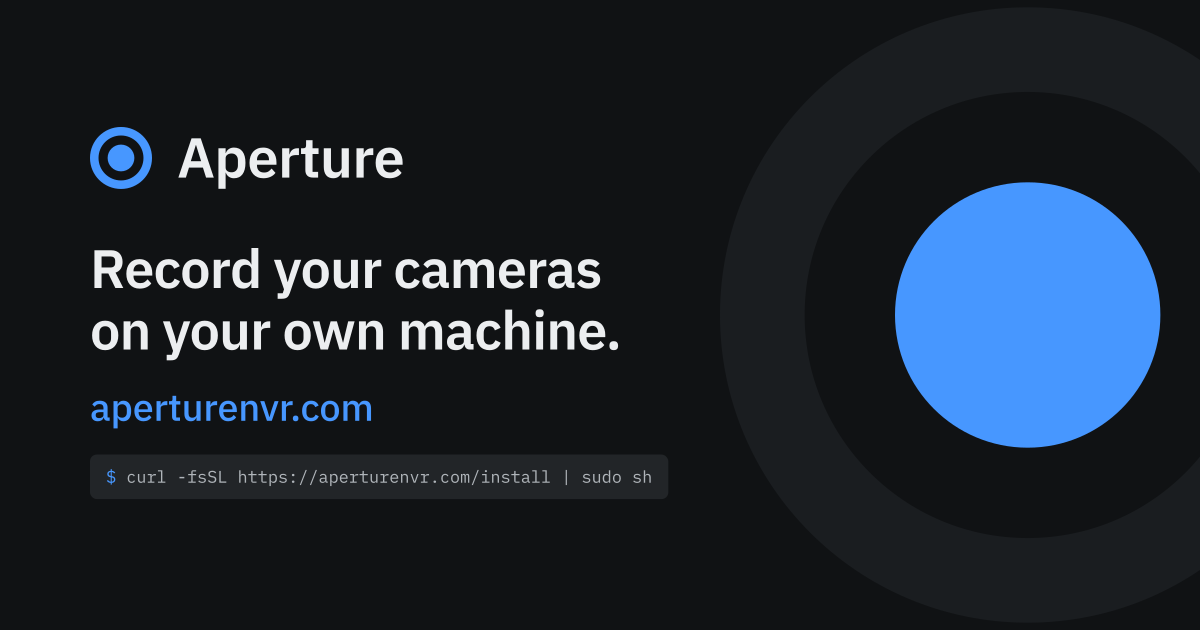
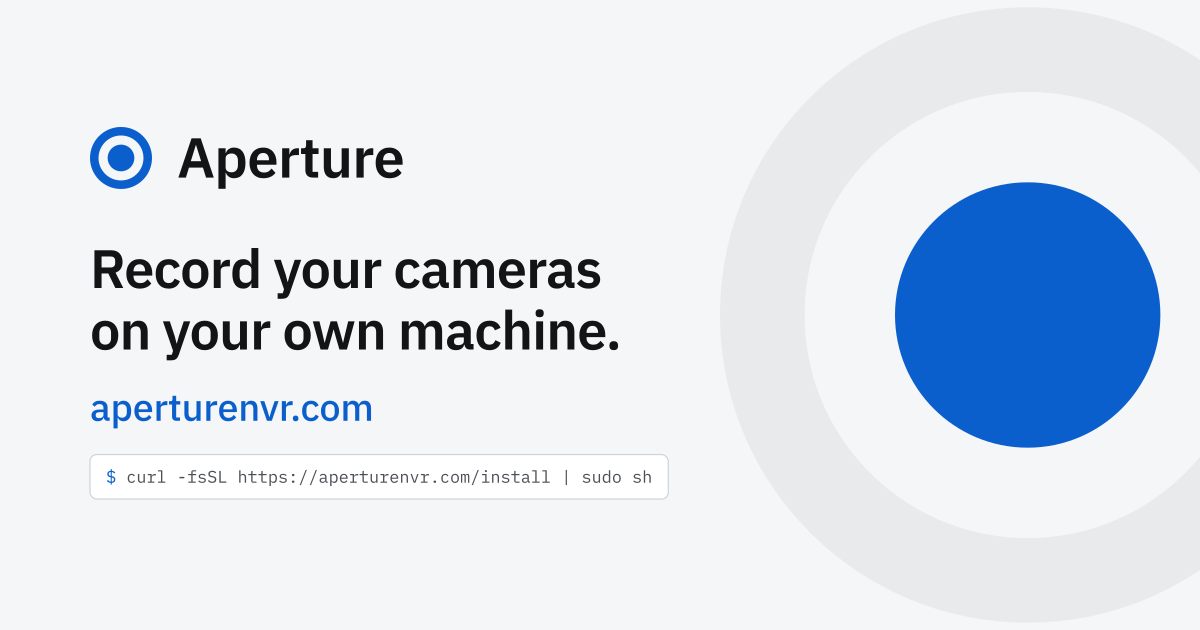
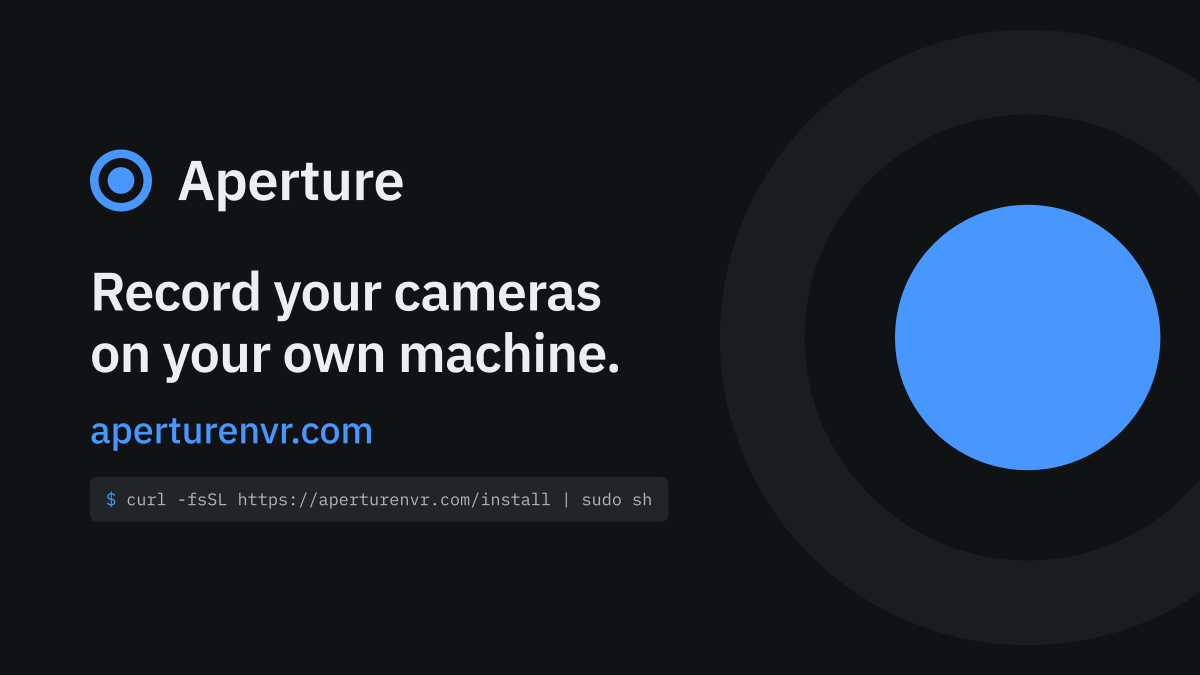
X card 1200 x 675
X (Twitter) card image, 16:9
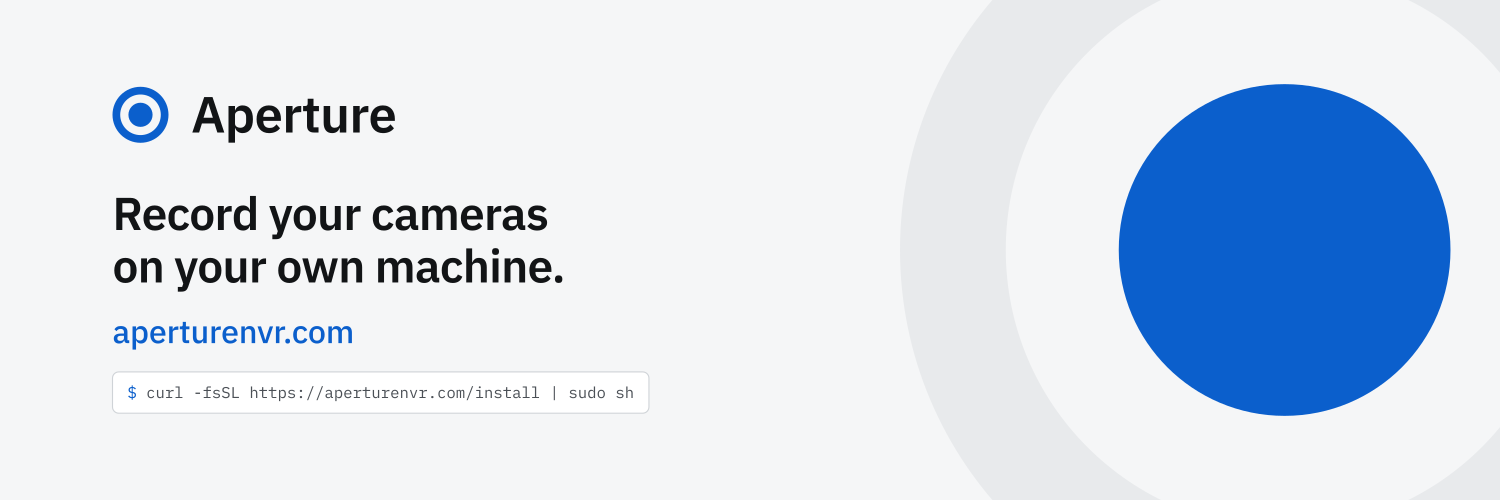
X / Mastodon header 1500 x 500
X (Twitter), Mastodon and Bluesky profile header, 3:1
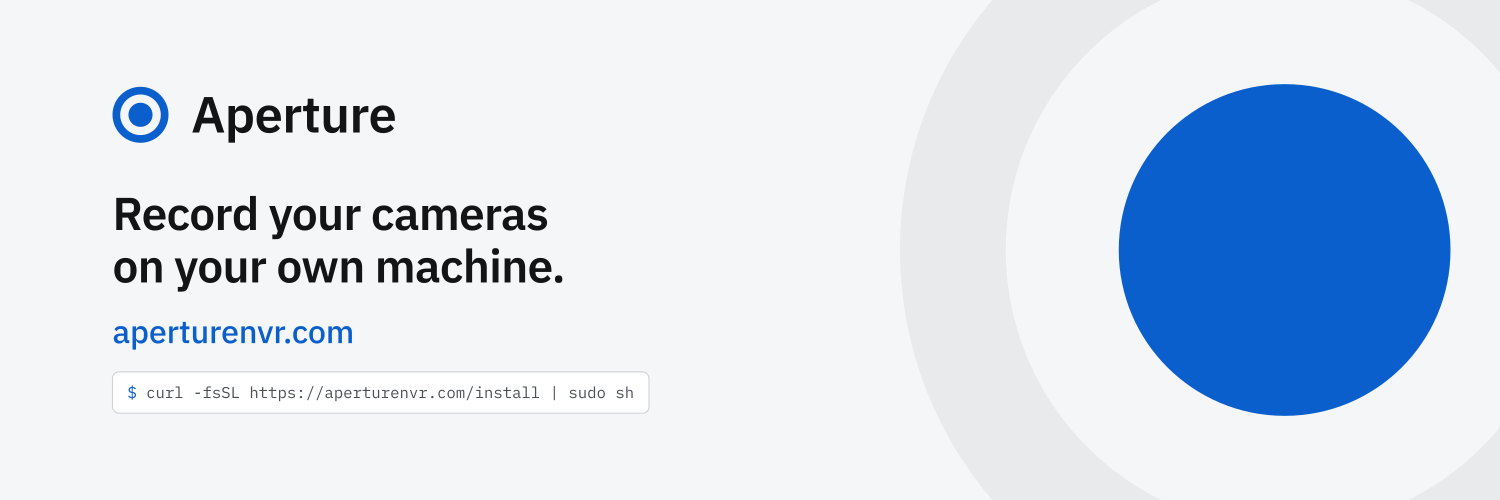
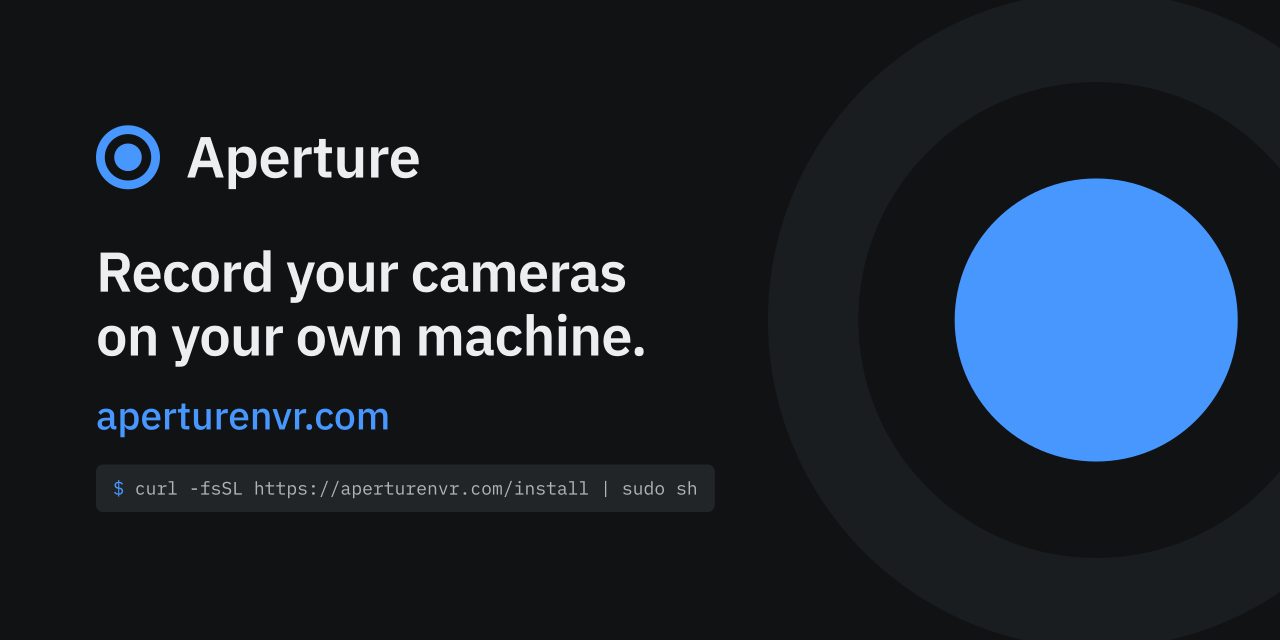
GitHub social preview 1280 x 640
GitHub social preview (Settings, Social preview), 2:1

LinkedIn cover 1584 x 396
LinkedIn page cover, 4:1

Facebook cover 1640 x 624
Facebook page cover (2x of 820 x 312)

Reddit banner 1920 x 384
Reddit community banner, 5:1

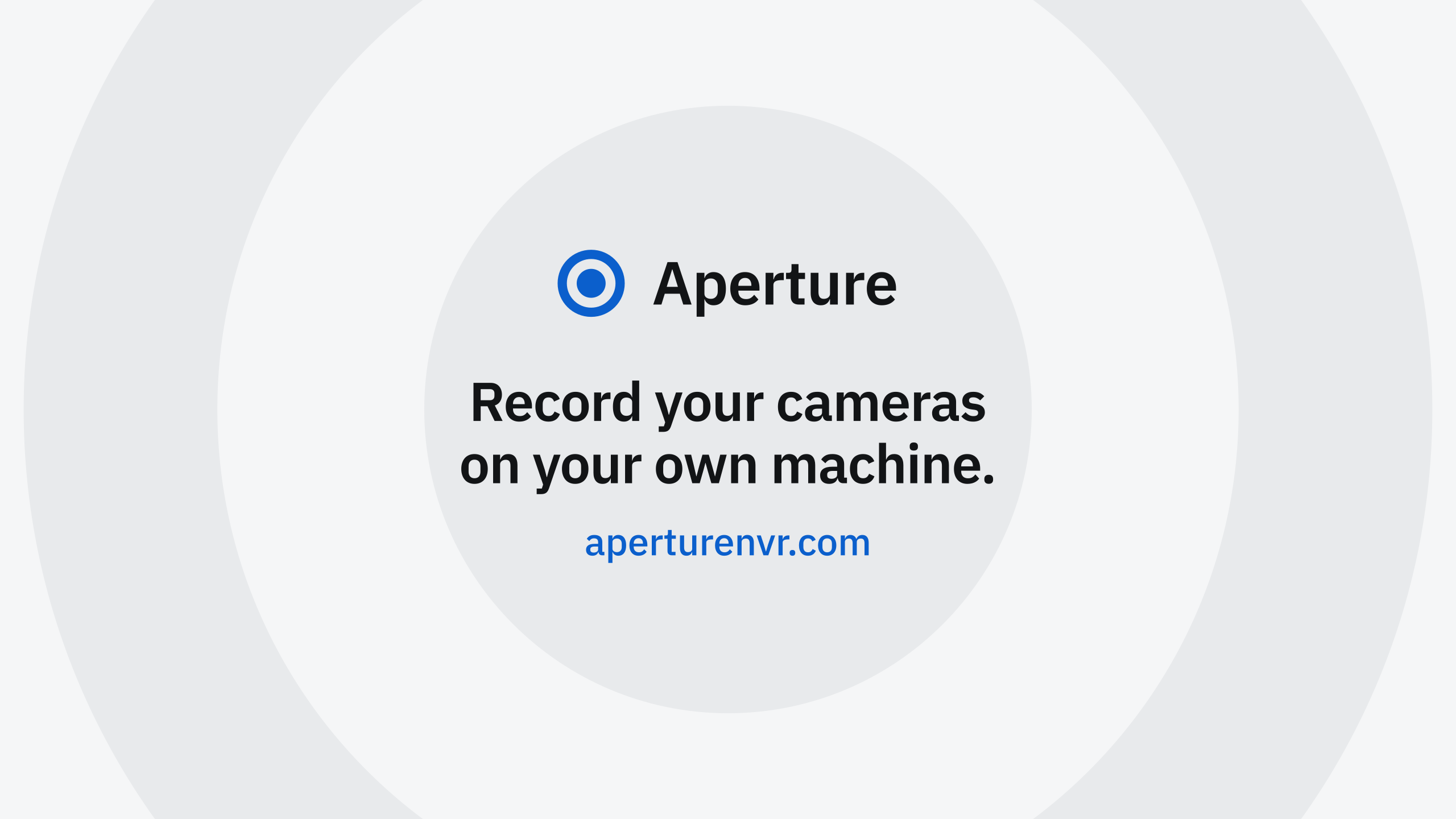
YouTube banner 2560 x 1440
YouTube channel banner. Everything that matters is inside the 1546 x 423 safe area
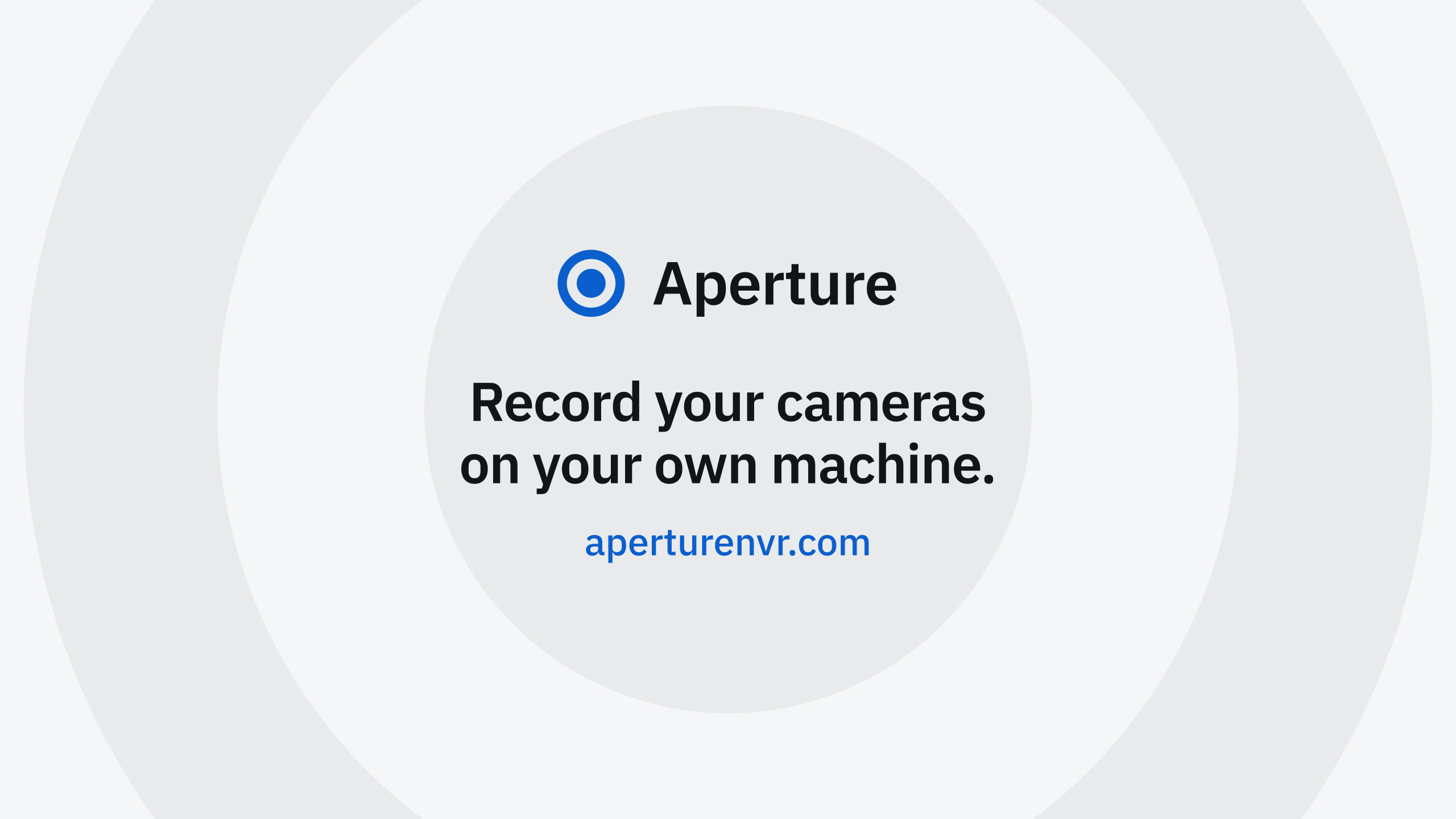
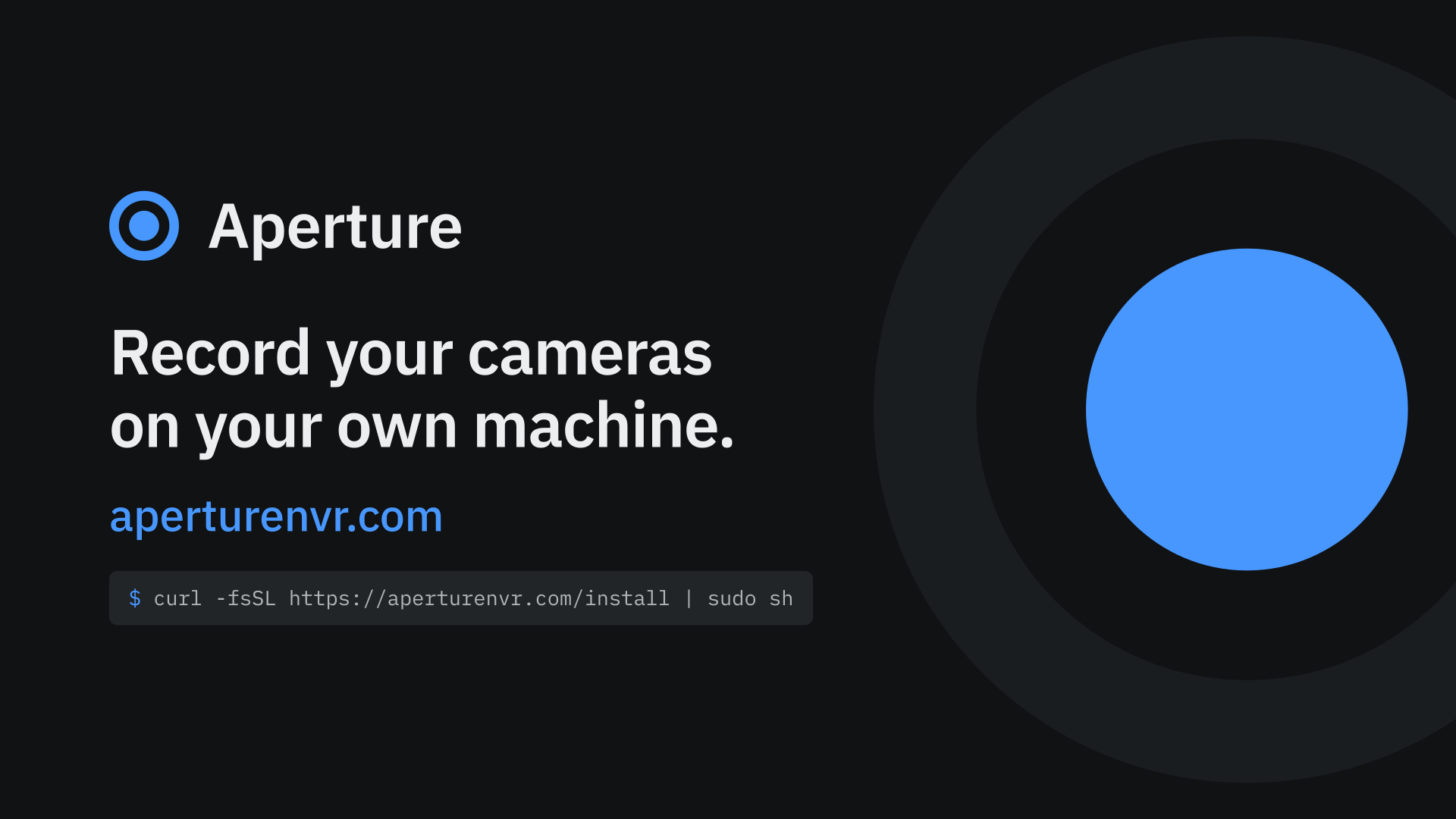
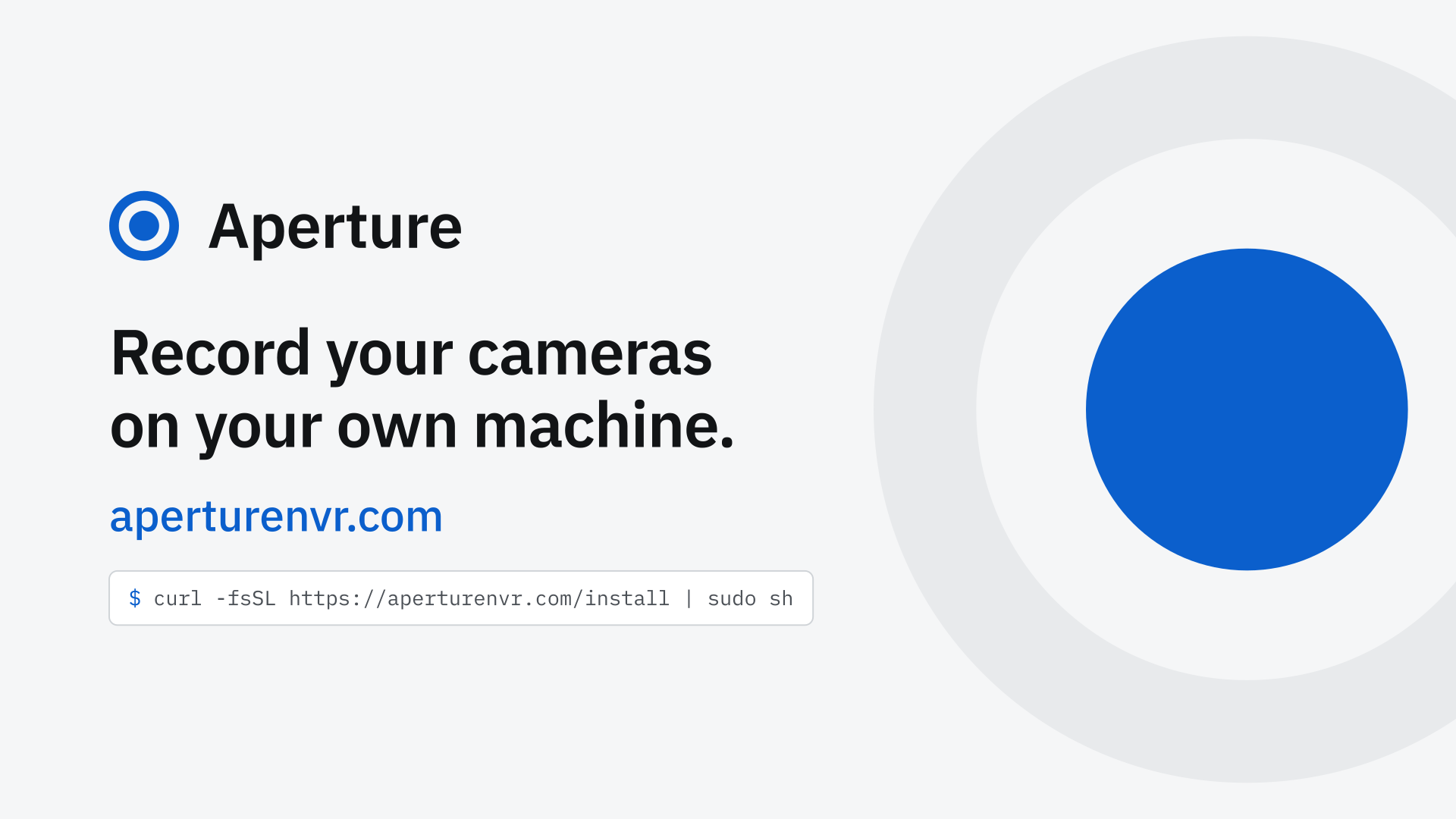
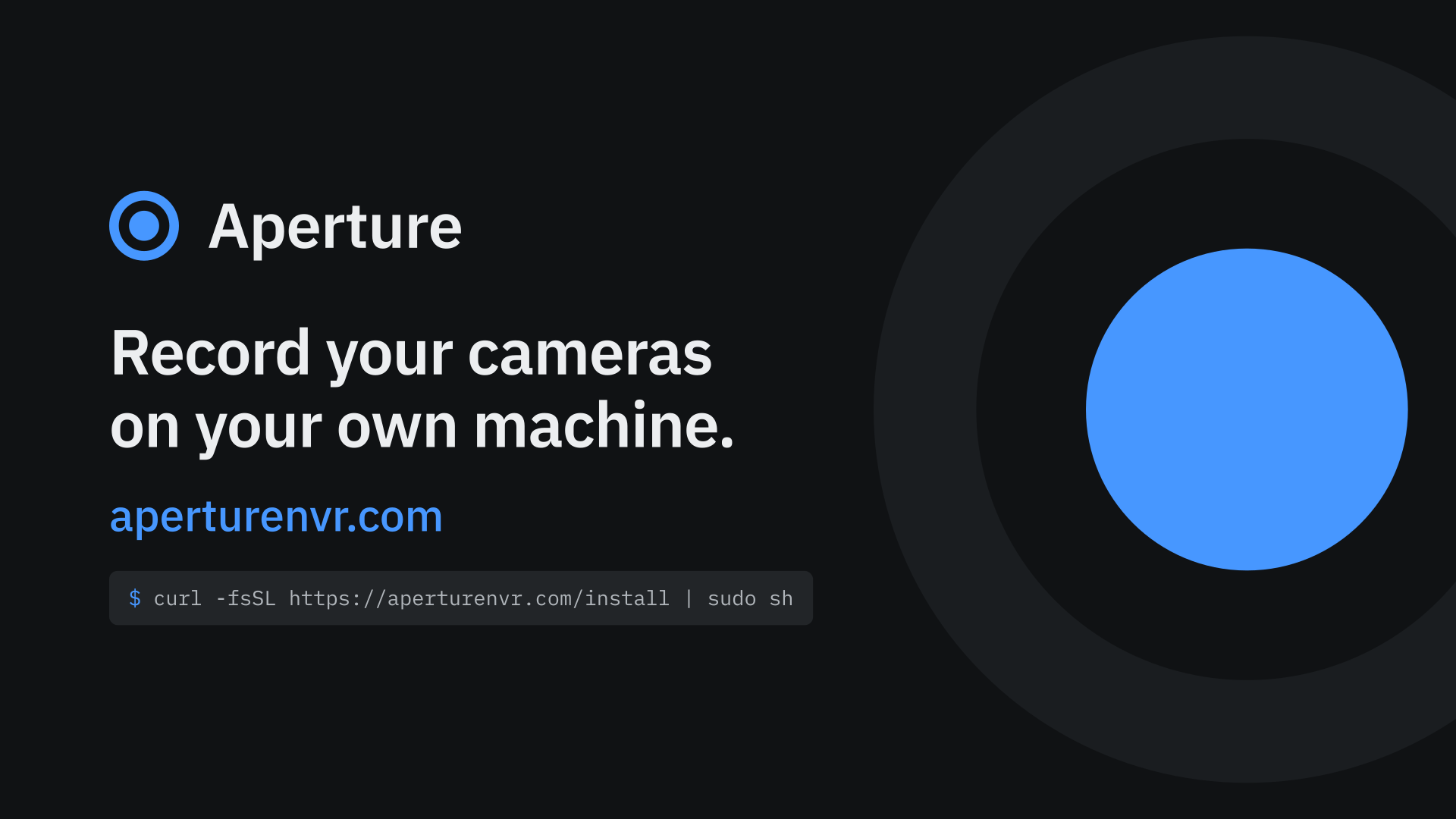
16:9 slide 1920 x 1080
16:9: slides, video thumbnails, Discord invite splash
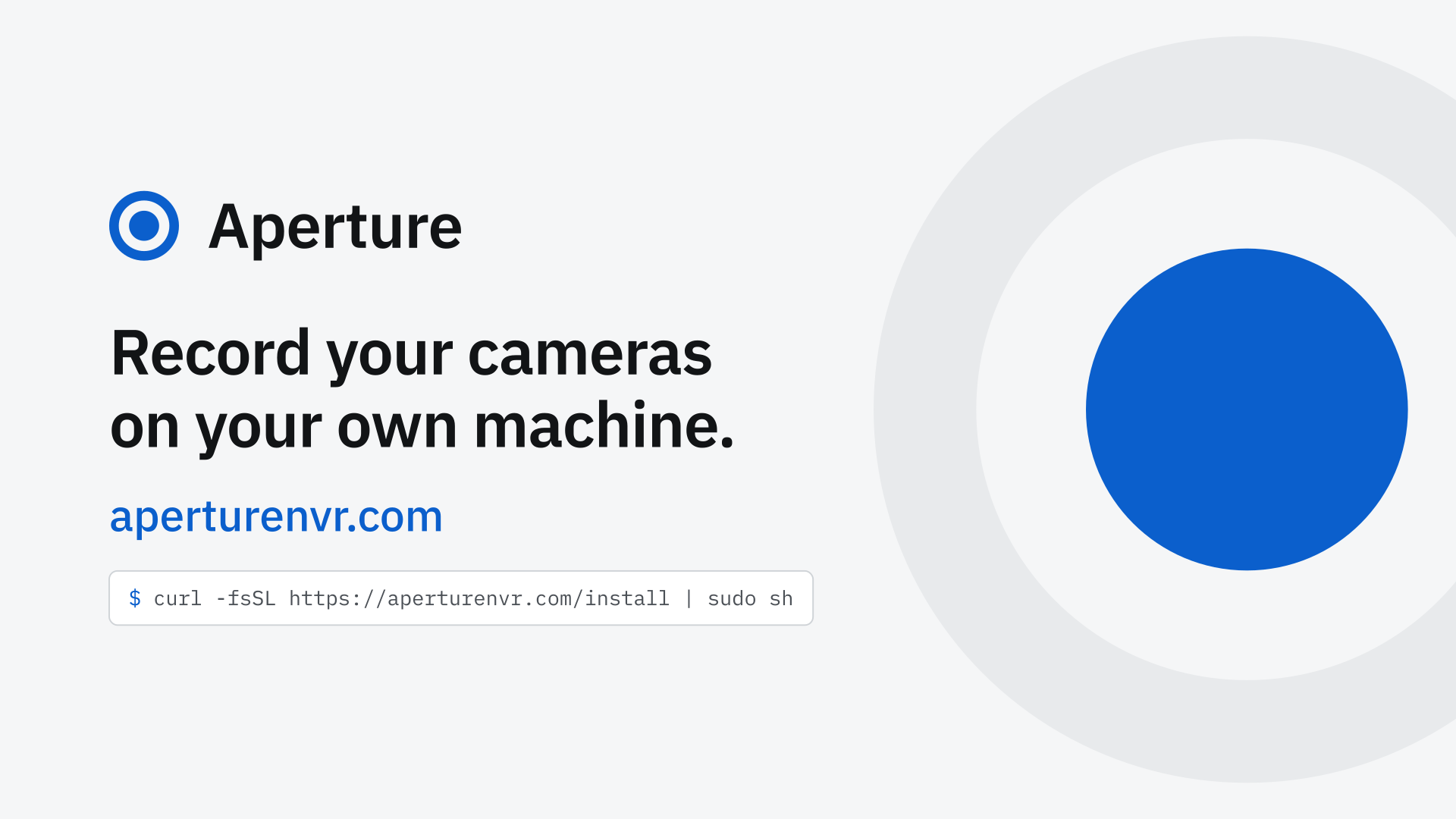
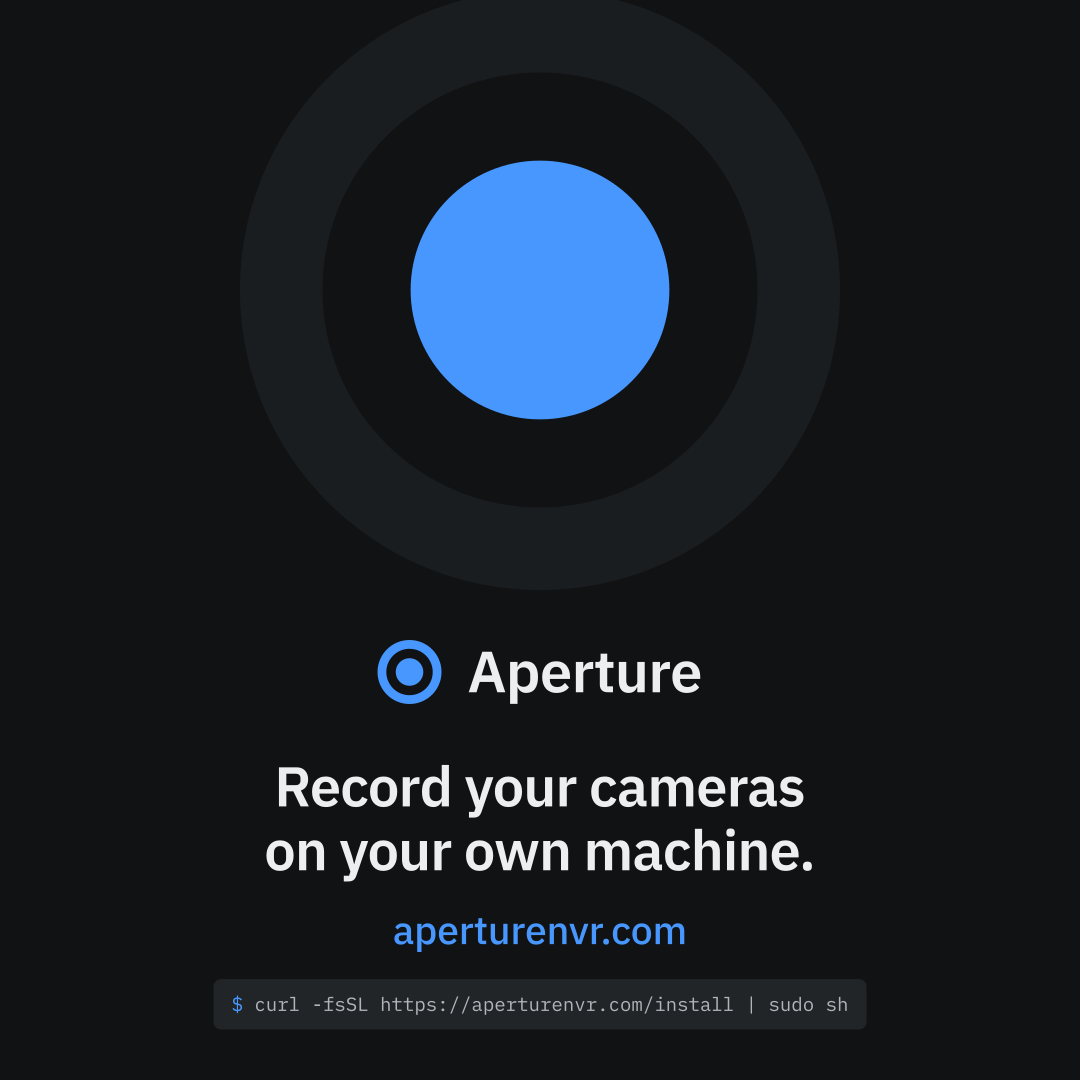
Square post 1080 x 1080
Square post (Instagram, Mastodon, Telegram)
Desktop wallpaper 3840 x 2160
Desktop wallpaper, 4K
Phone wallpaper 1290 x 2796
Phone wallpaper, 1290 x 2796
Screenshots.
The real interface, on a demo site. Select a picture to download it as a full-size JPG.
Credit, if you publish them
Screenshots show Aperture running on a demo site fed with footage from the MEVA dataset by Kitware, Inc. and IARPA (CC BY 4.0, https://creativecommons.org/licenses/by/4.0/). Camera names, labels and weather are Aperture's own.
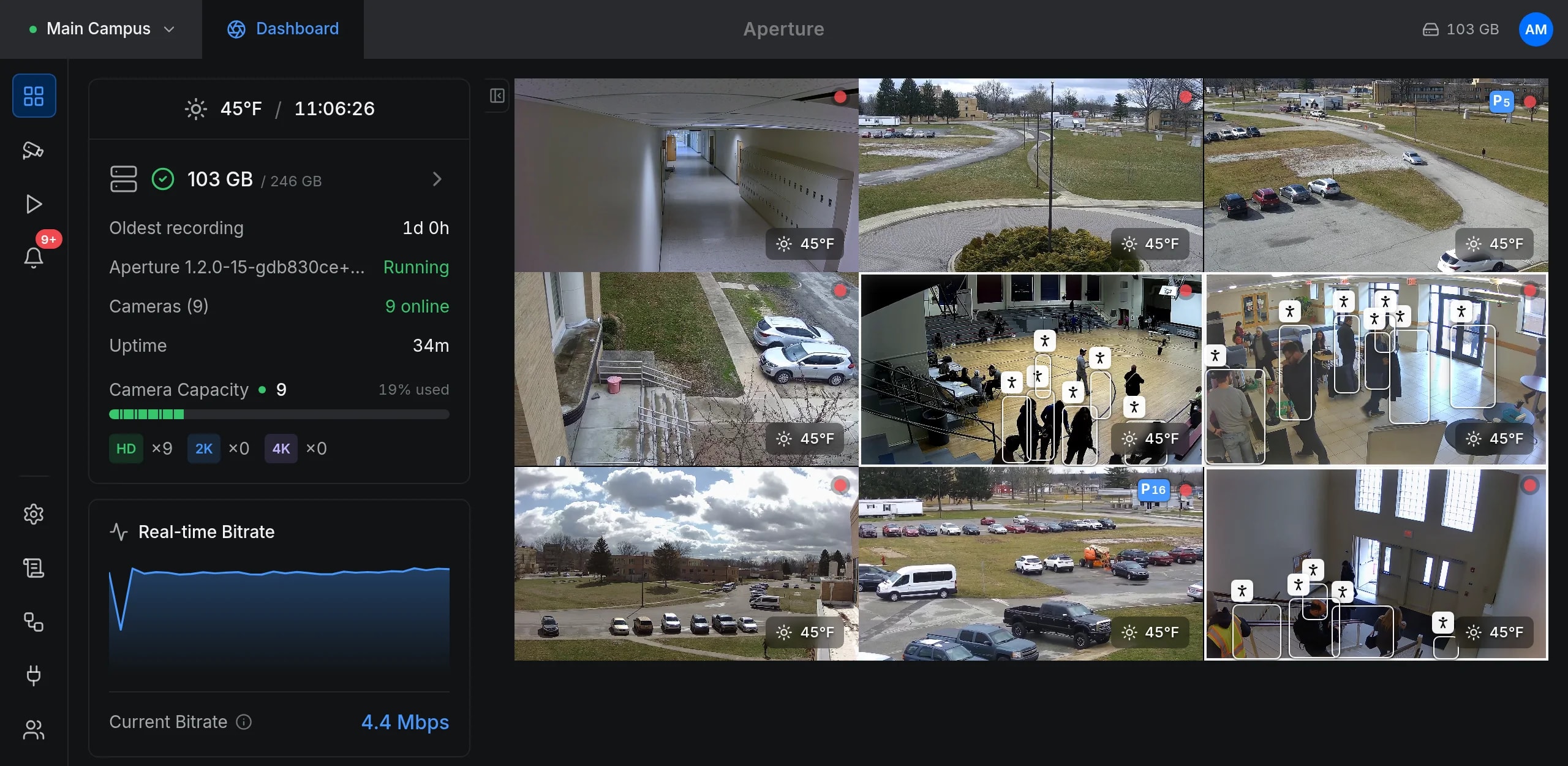
Dashboard
Every camera on one wall, with storage, camera capacity and the live bitrate.
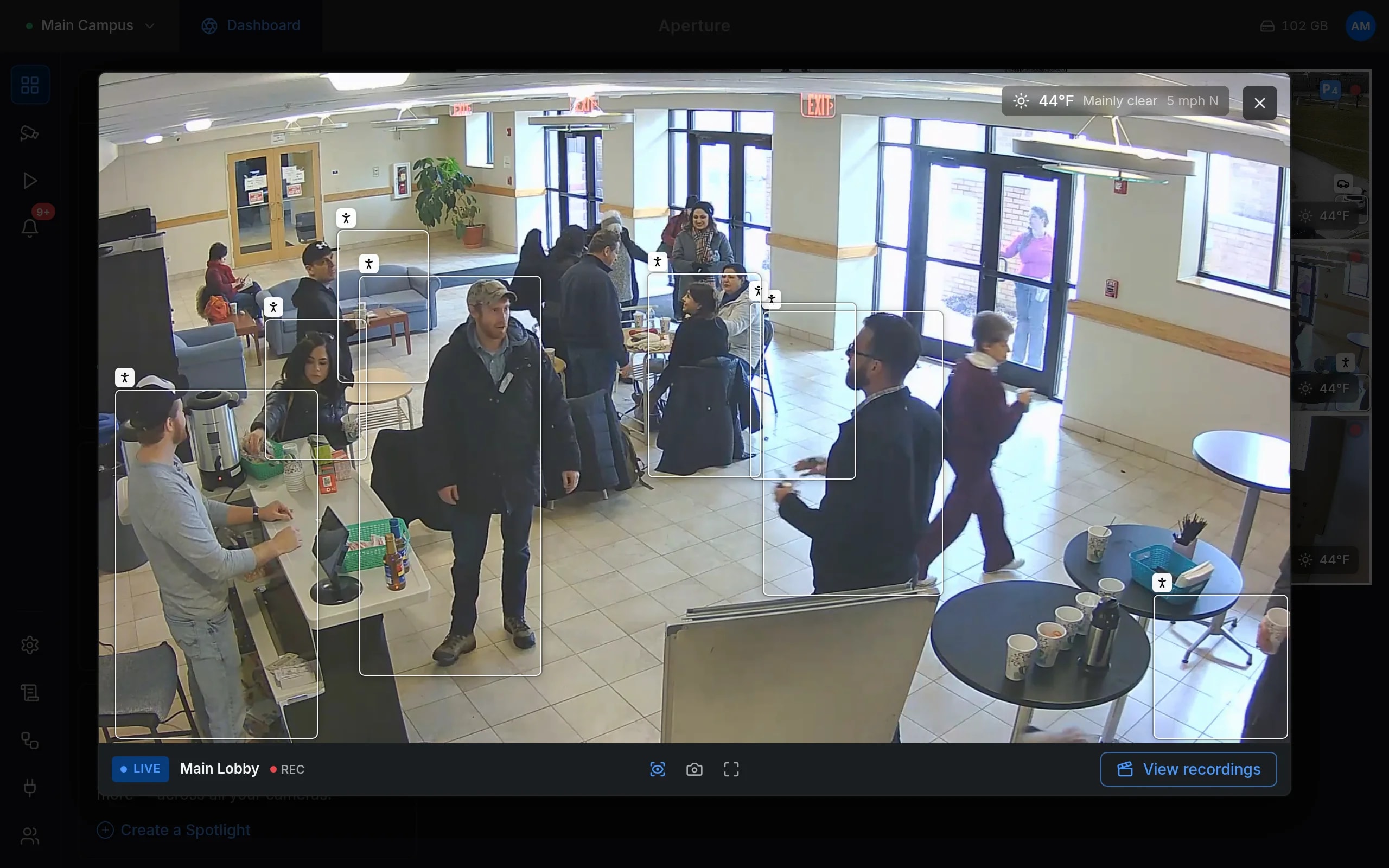
Live view with recognition
One camera live, with the people it recognises boxed.
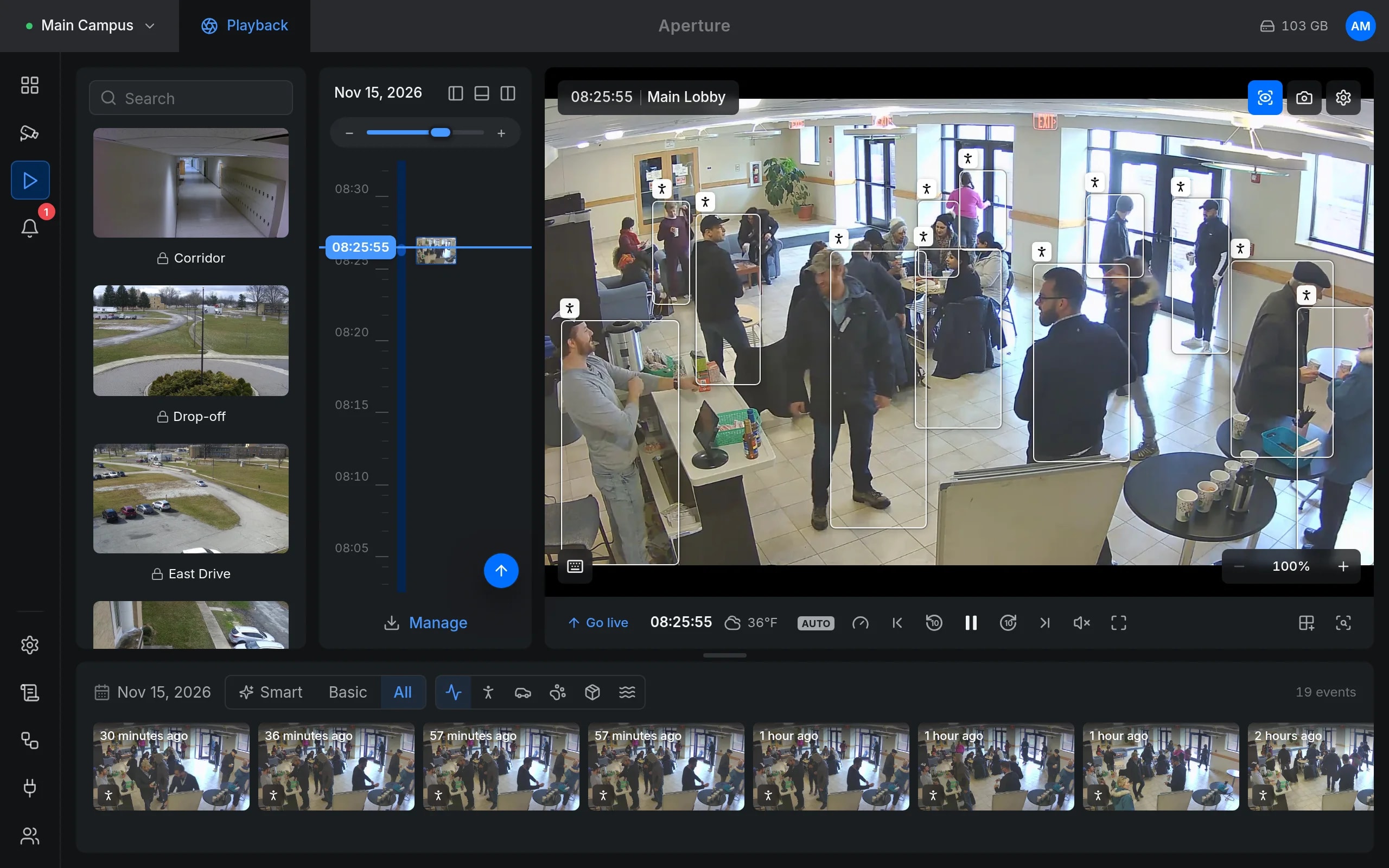
Playback
A vertical timeline of recordings and events, the picture in the middle, a strip of events along the bottom.
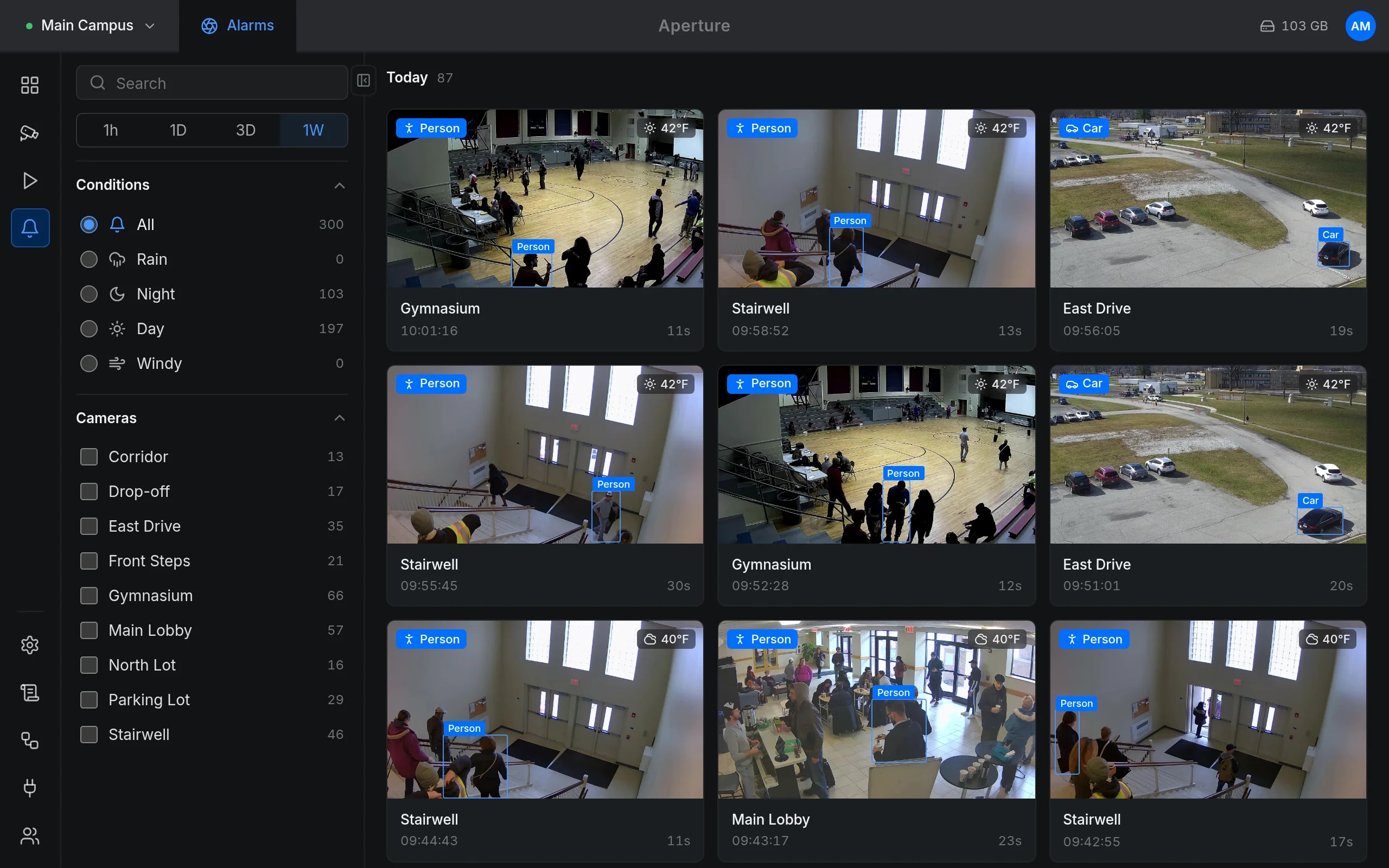
Alarms
Events with their label and a picture, filtered by type, camera and time.
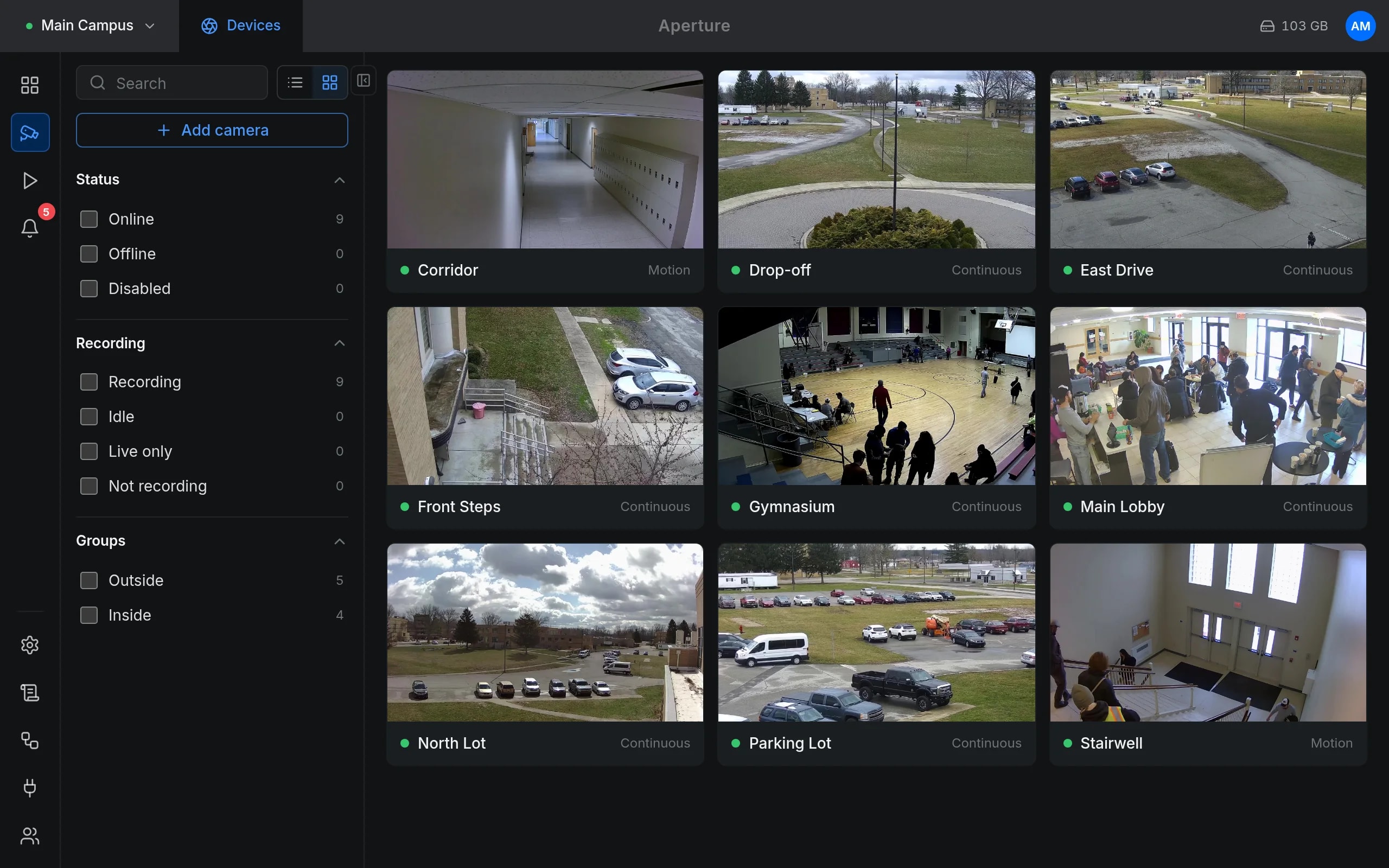
Cameras
All cameras as a grid with their state and recording mode.
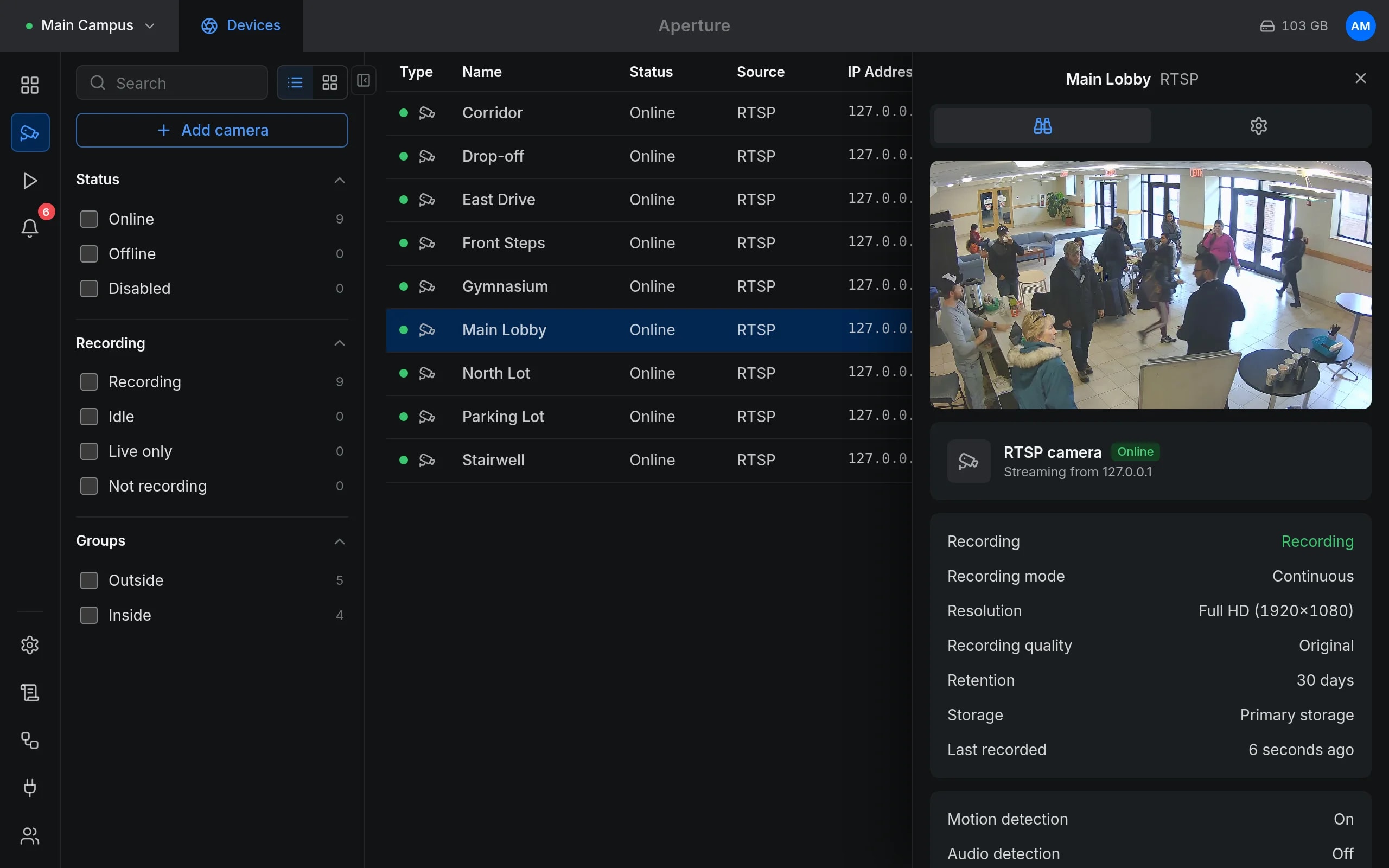
A camera's side panel
Status, stream details and recording settings beside the list.
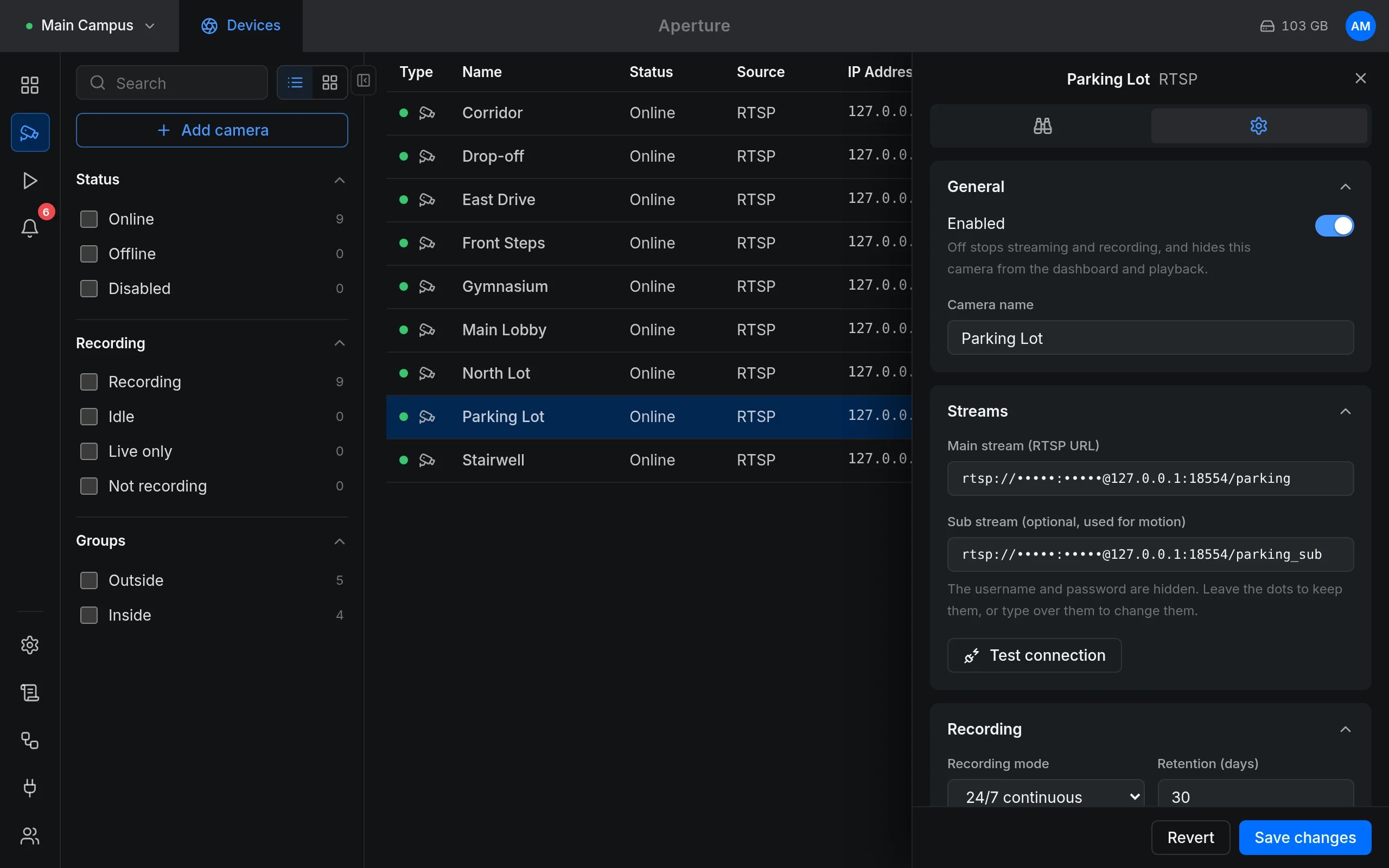
Editing a camera
Streams, recording mode and retention.
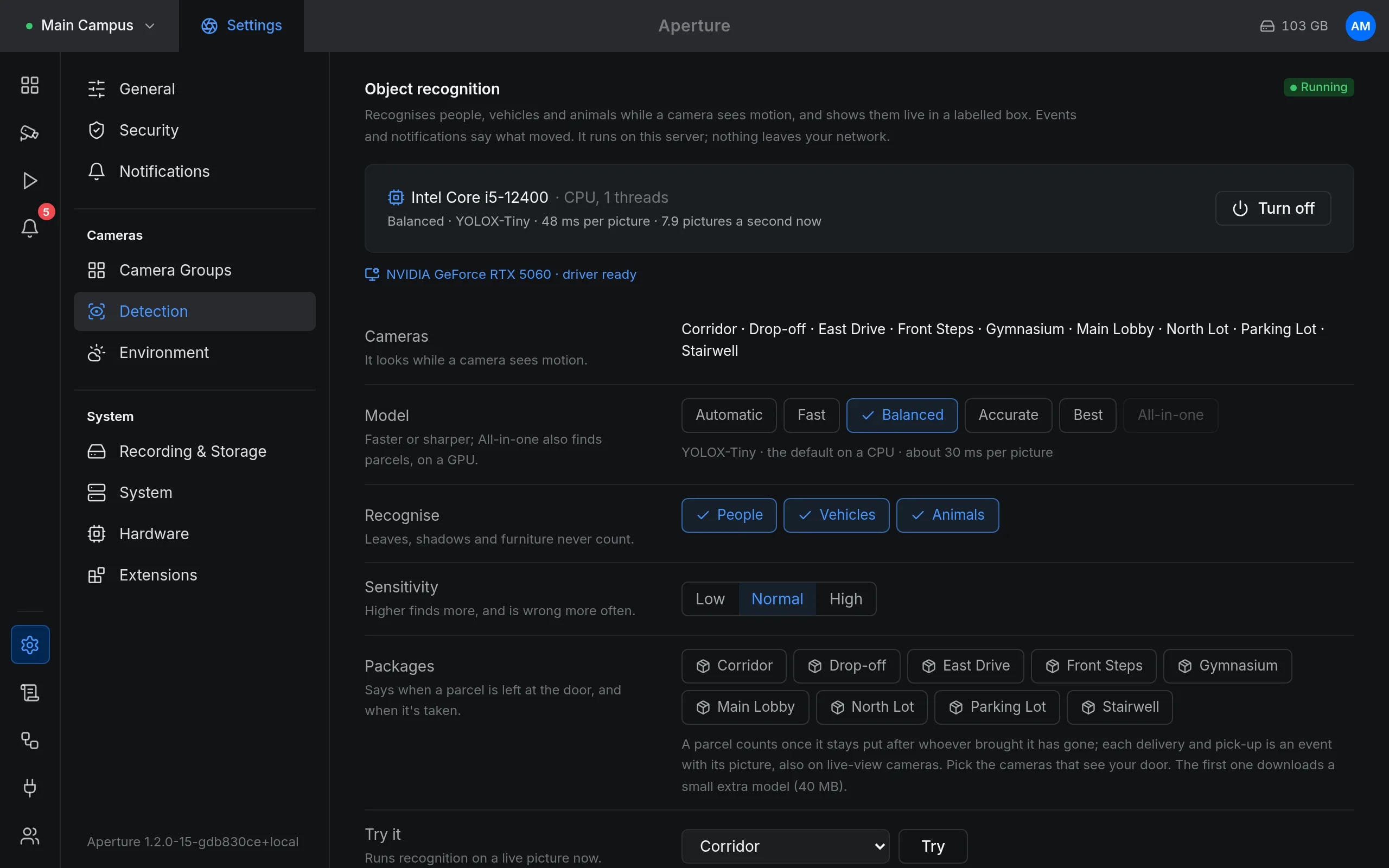
Object recognition
Where recognition runs, the model, what to recognise and where parcels are watched.
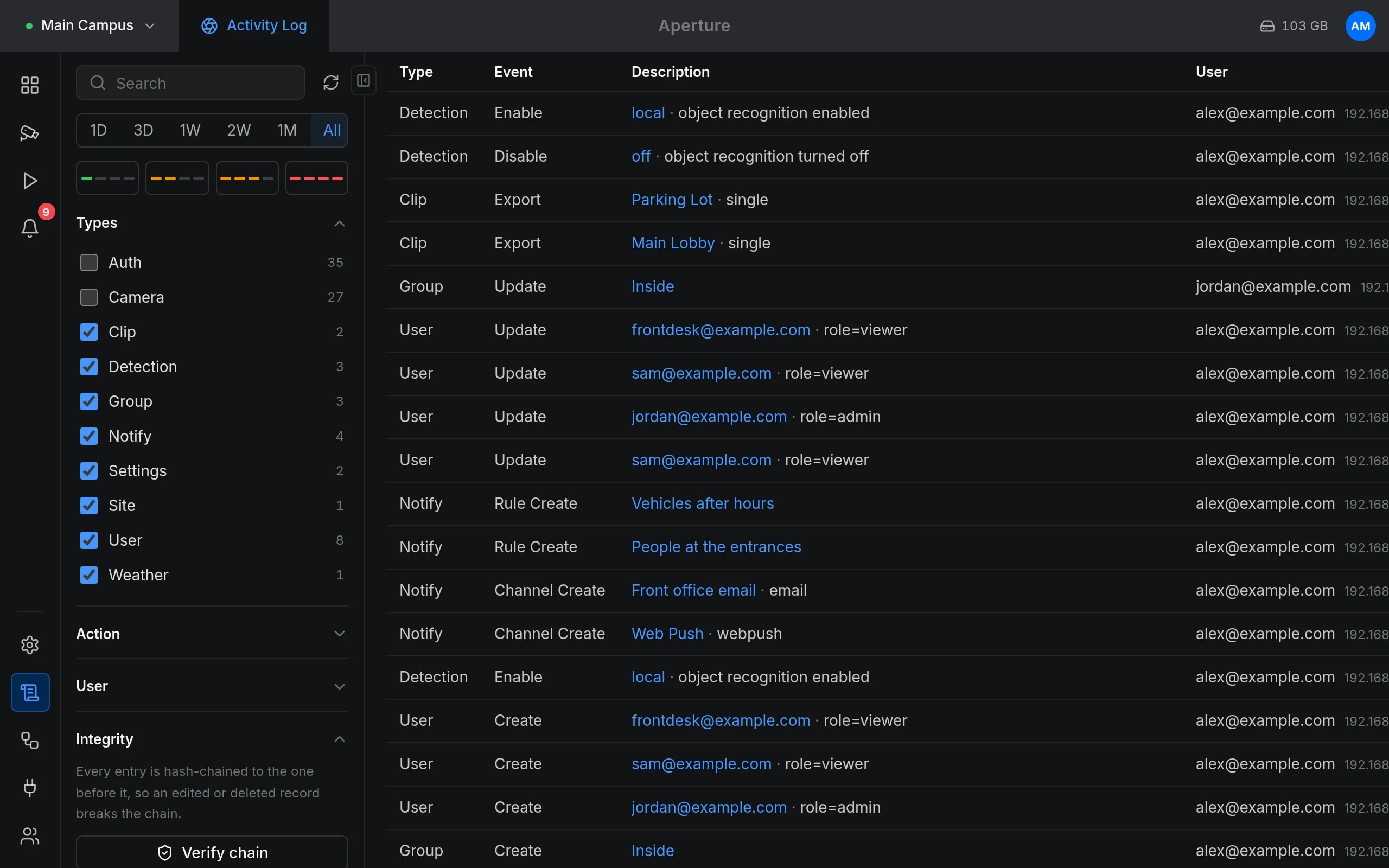
Activity log
Sign-ins, changes and exports, with who did them.
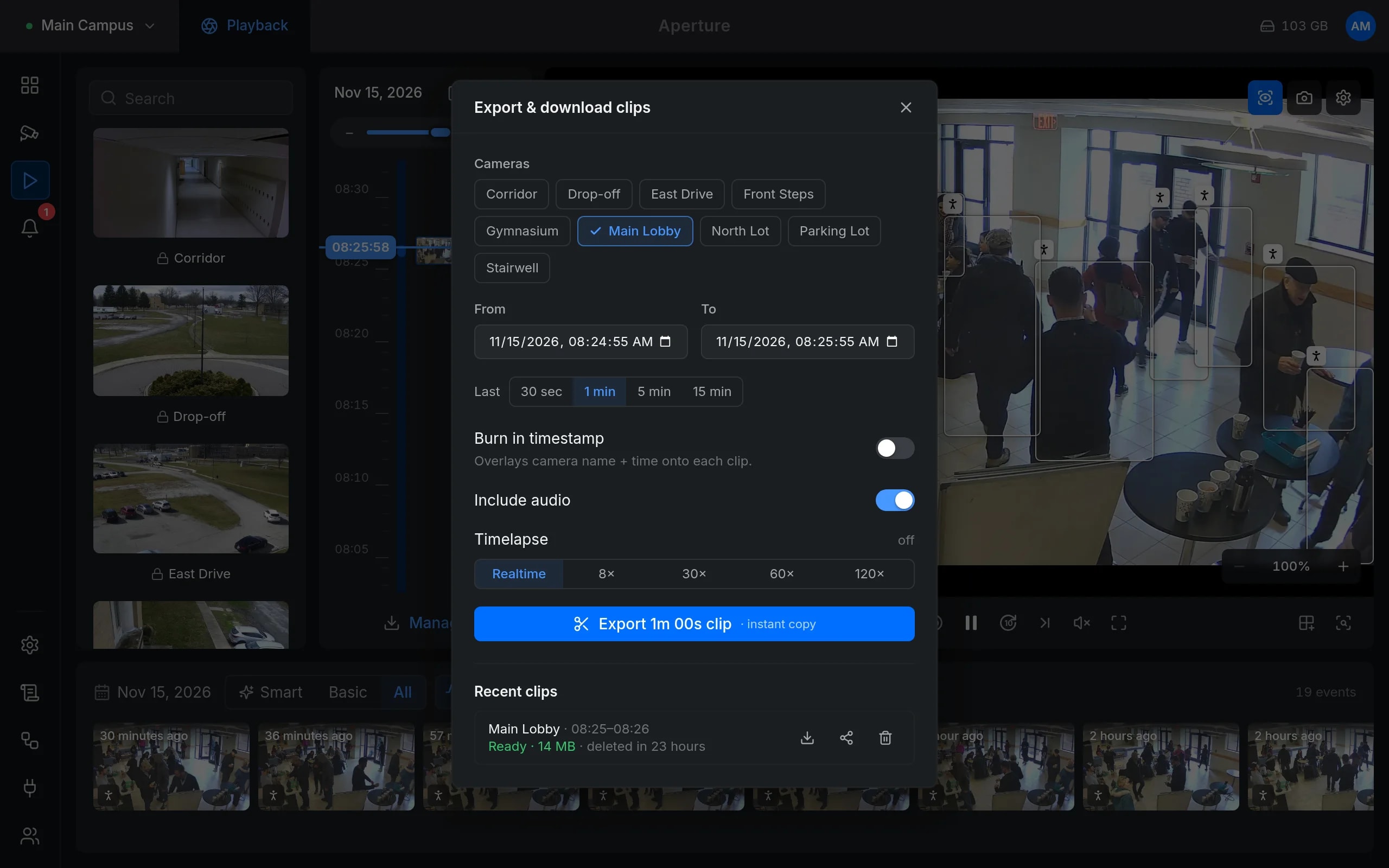
Export a clip
A time range, the cameras, an optional timestamp, audio and a timelapse.
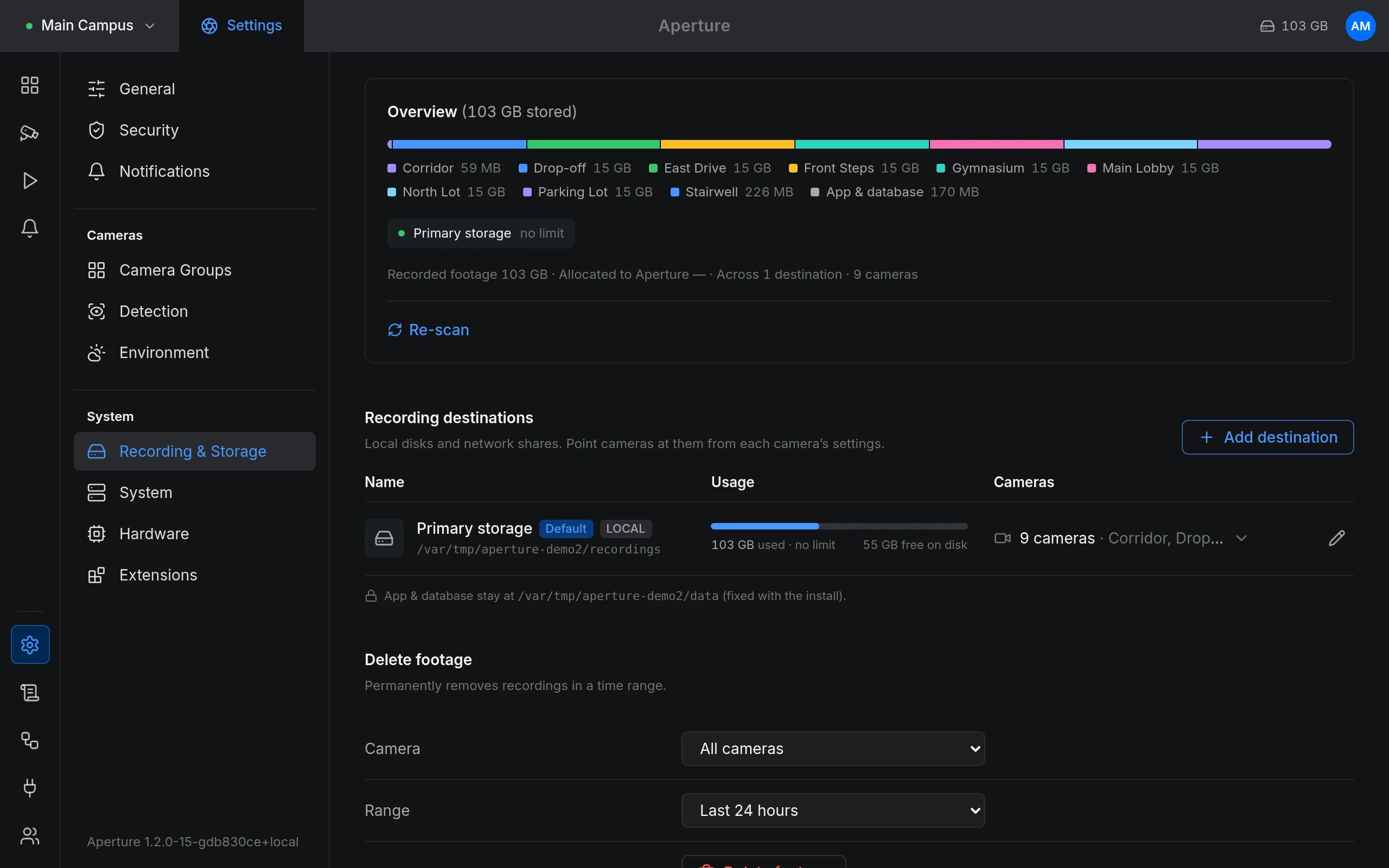
Storage
How much each camera uses, and where footage is kept.
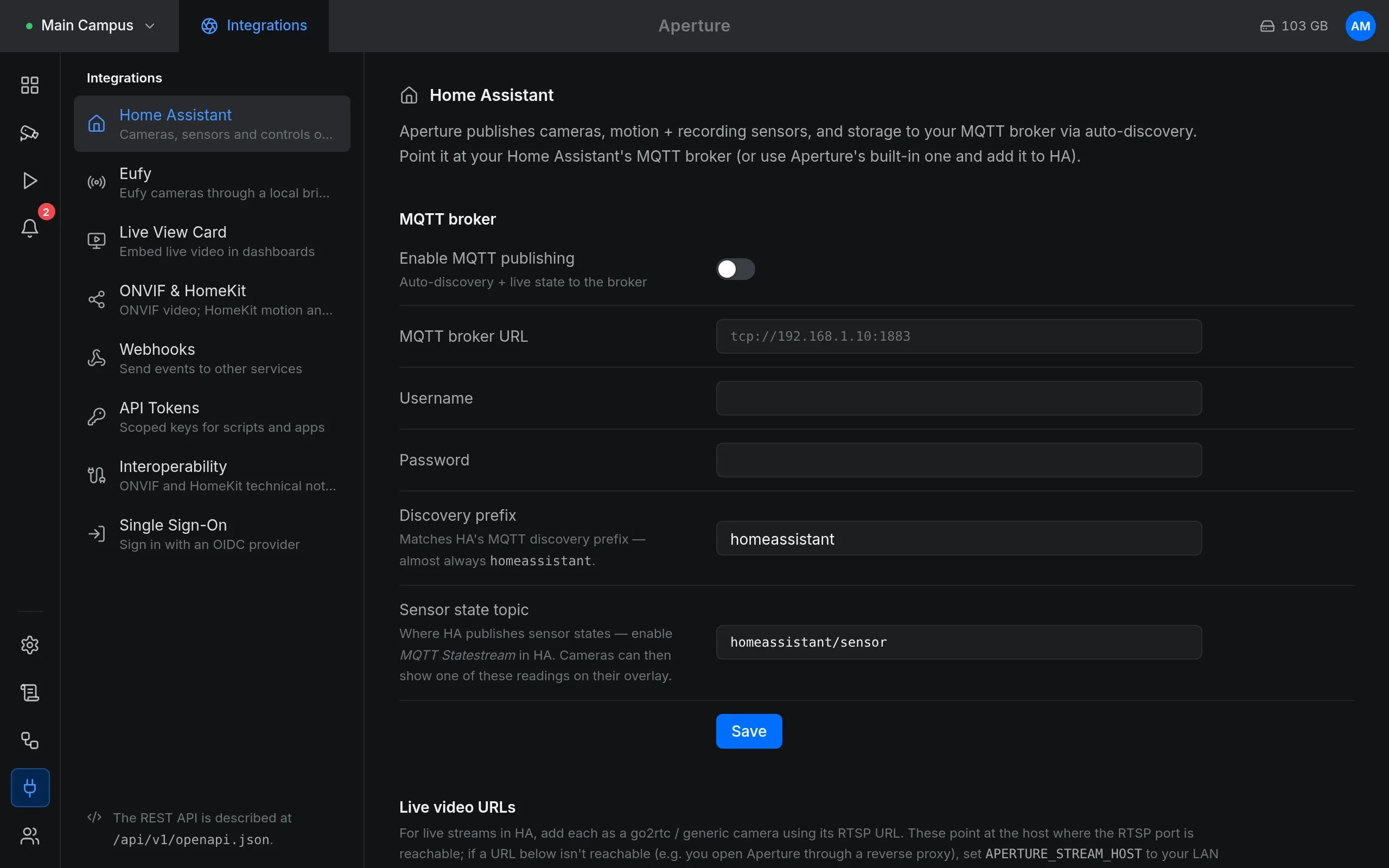
Integrations
Home Assistant over MQTT, webhooks, API tokens, ONVIF and HomeKit, single sign-on.
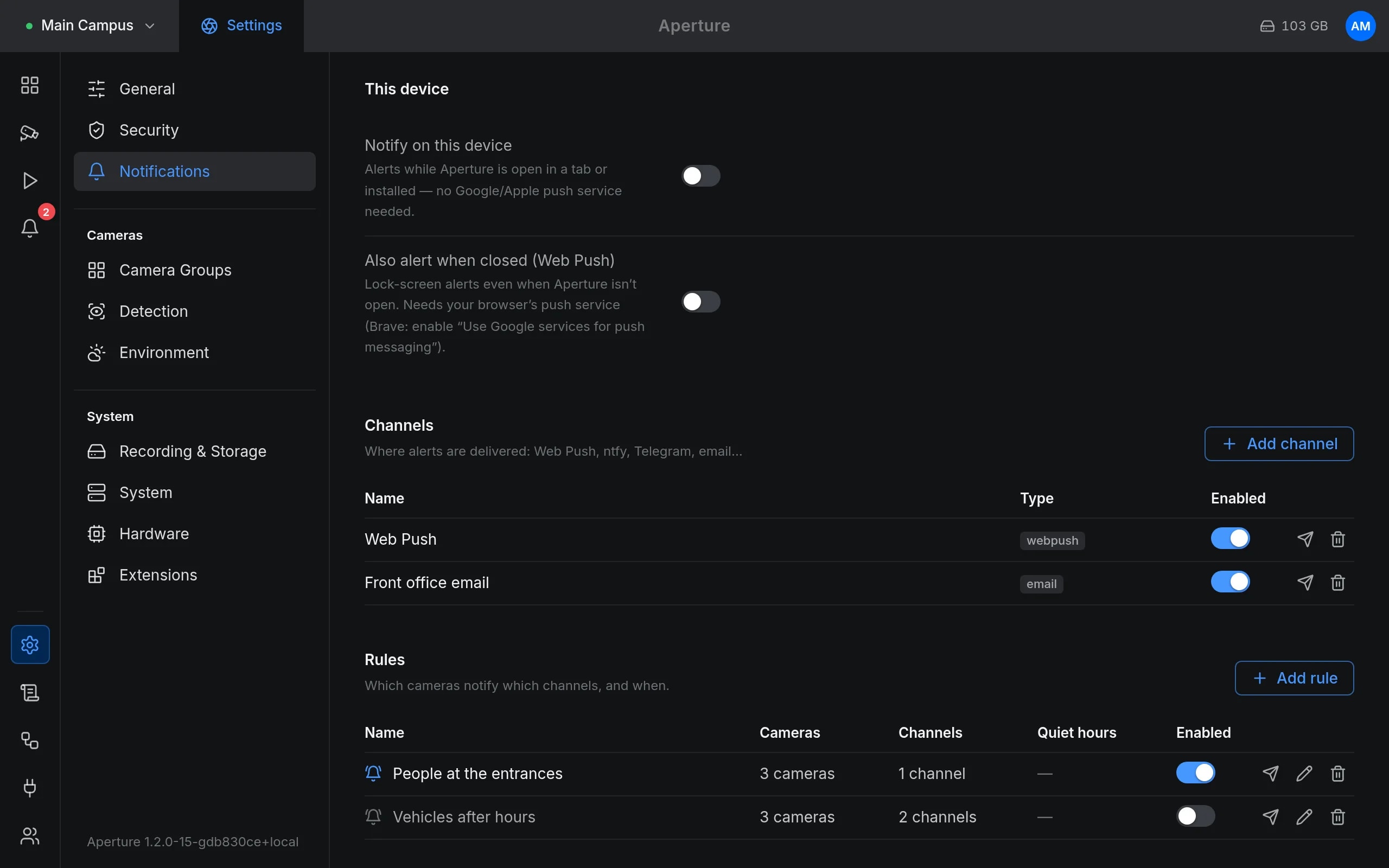
Notifications
Channels and rules by camera, with quiet hours.
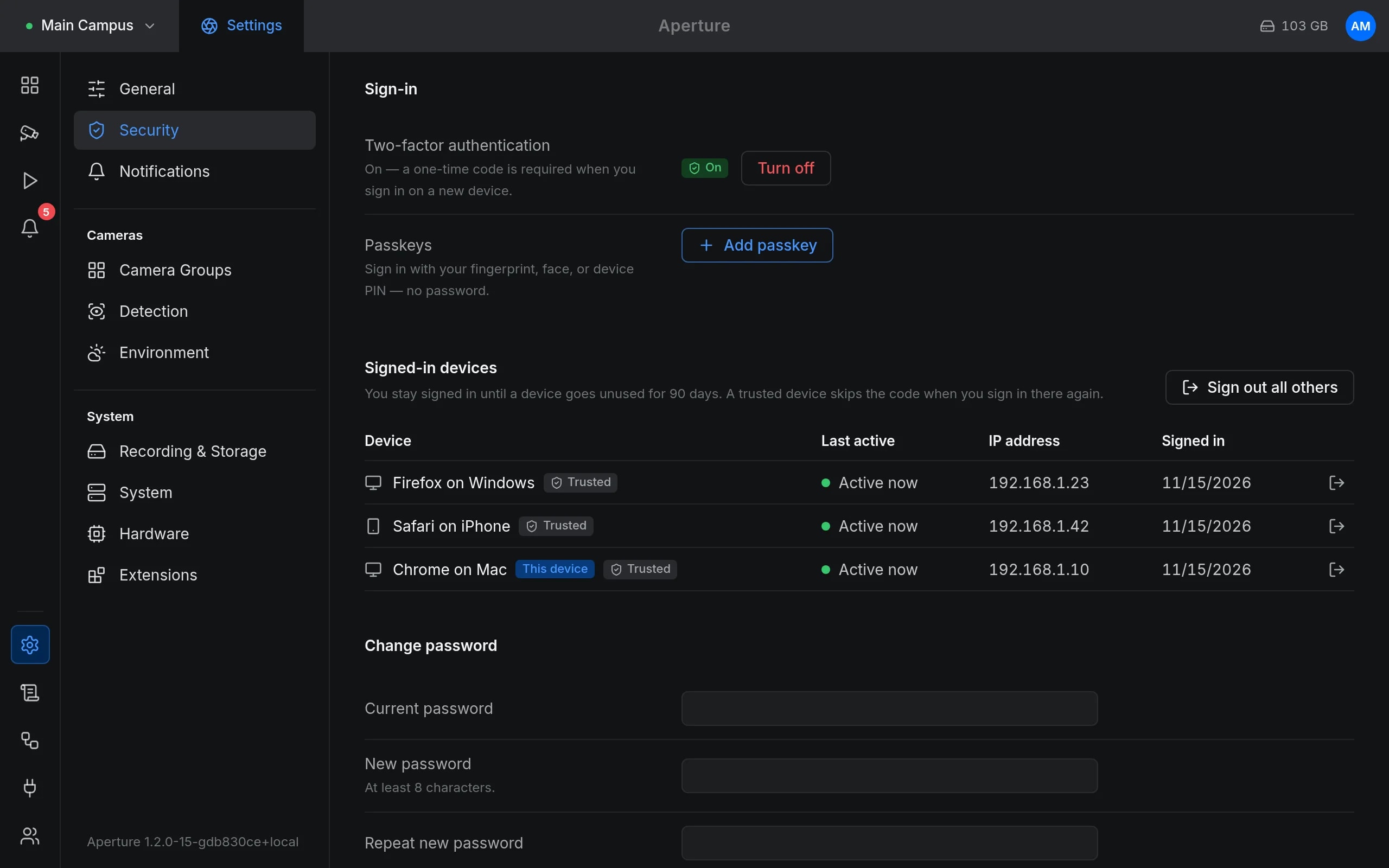
Security
Two-factor authentication, passkeys and signed-in devices.
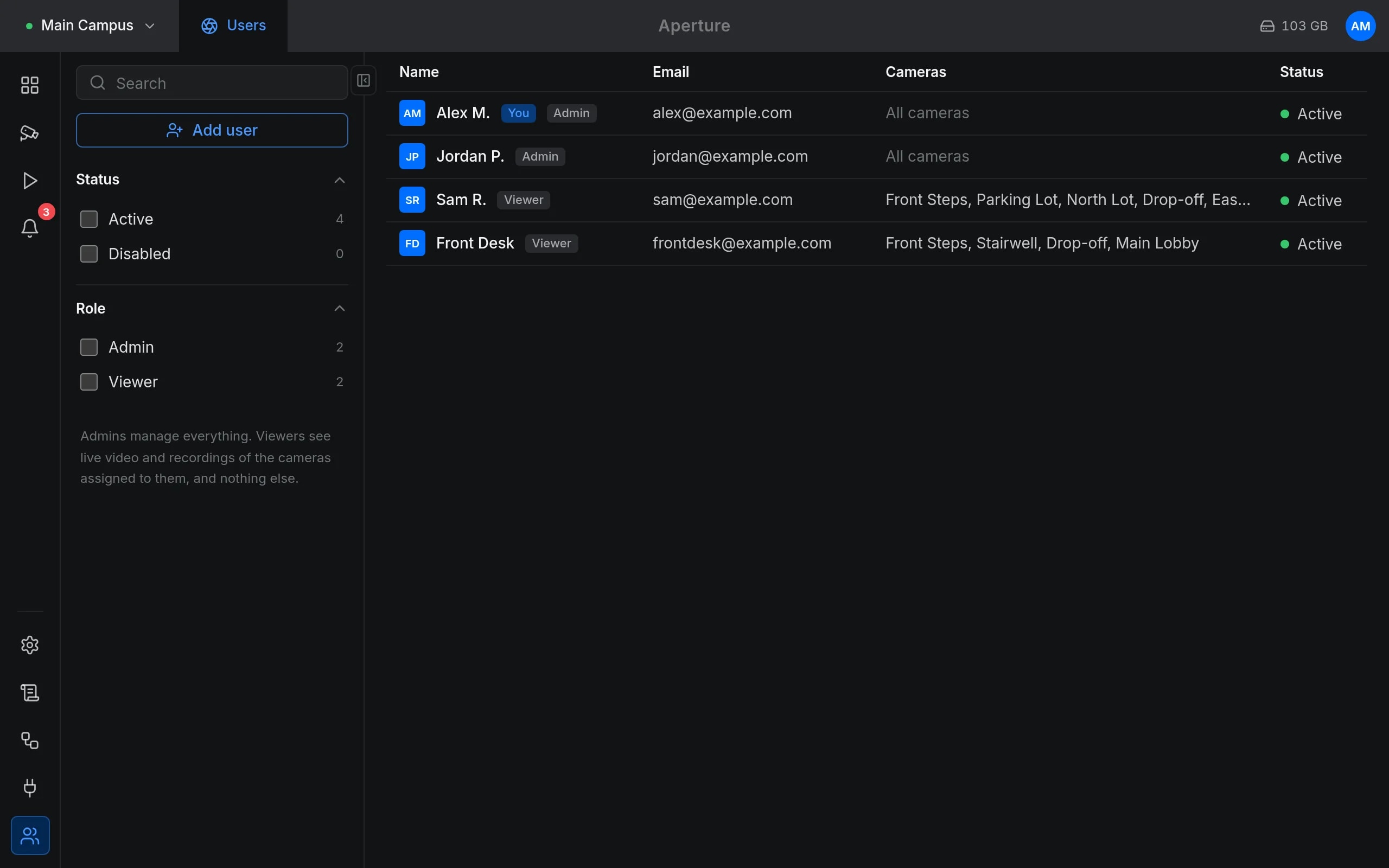
Users
Roles, and which cameras each person may see.
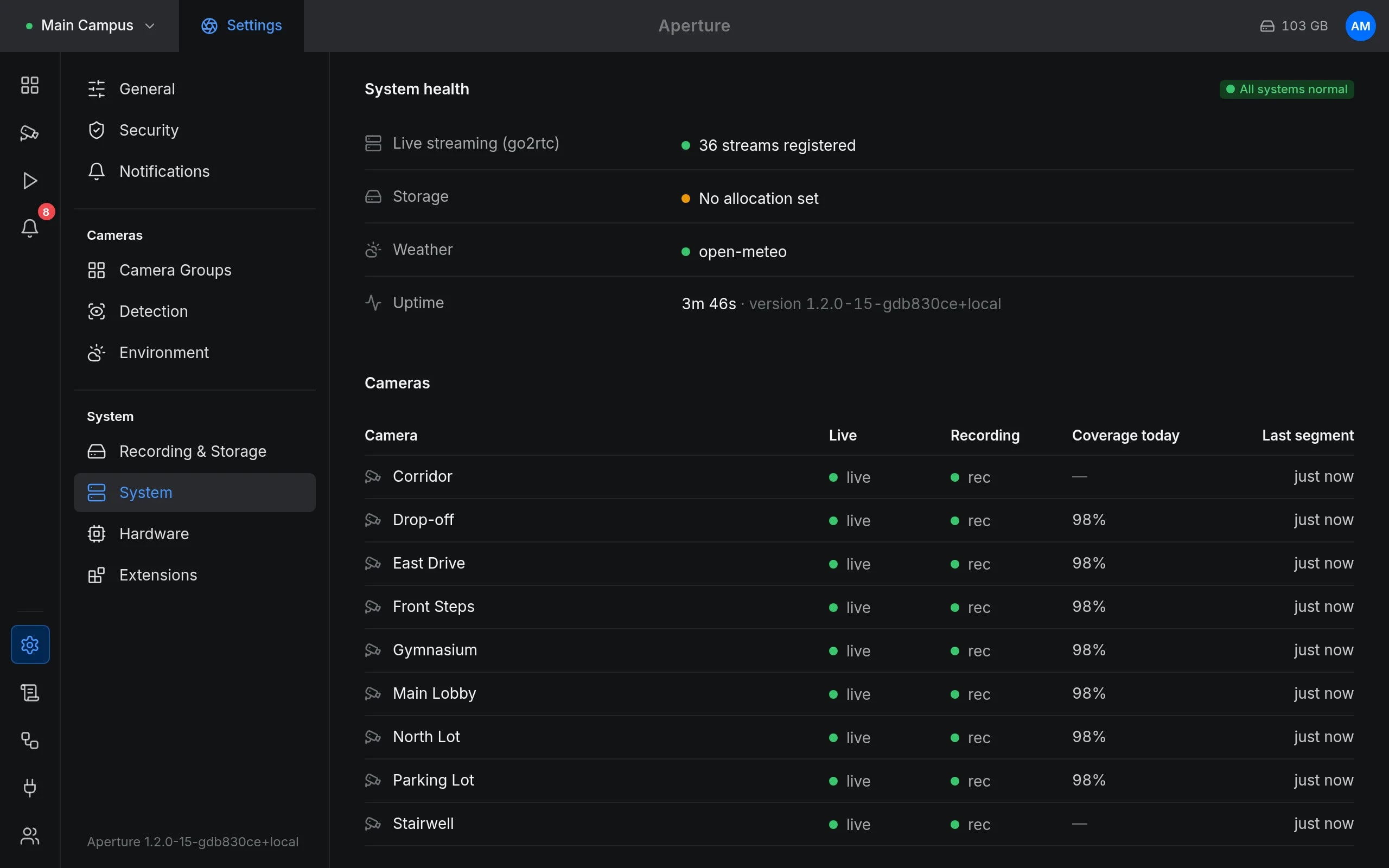
System health
Services, streams and recording coverage.
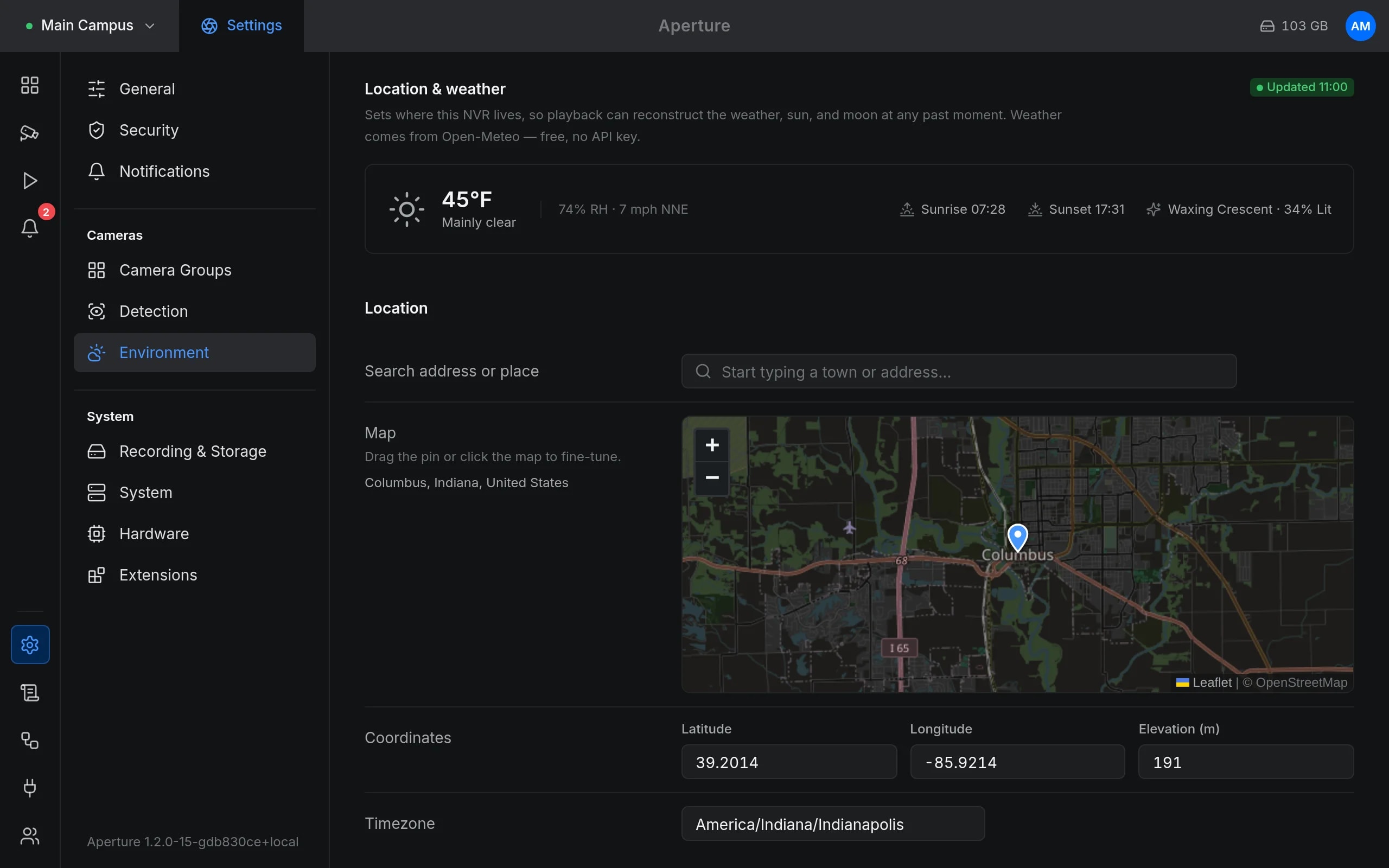
Location and weather
Map, coordinates and time zone.
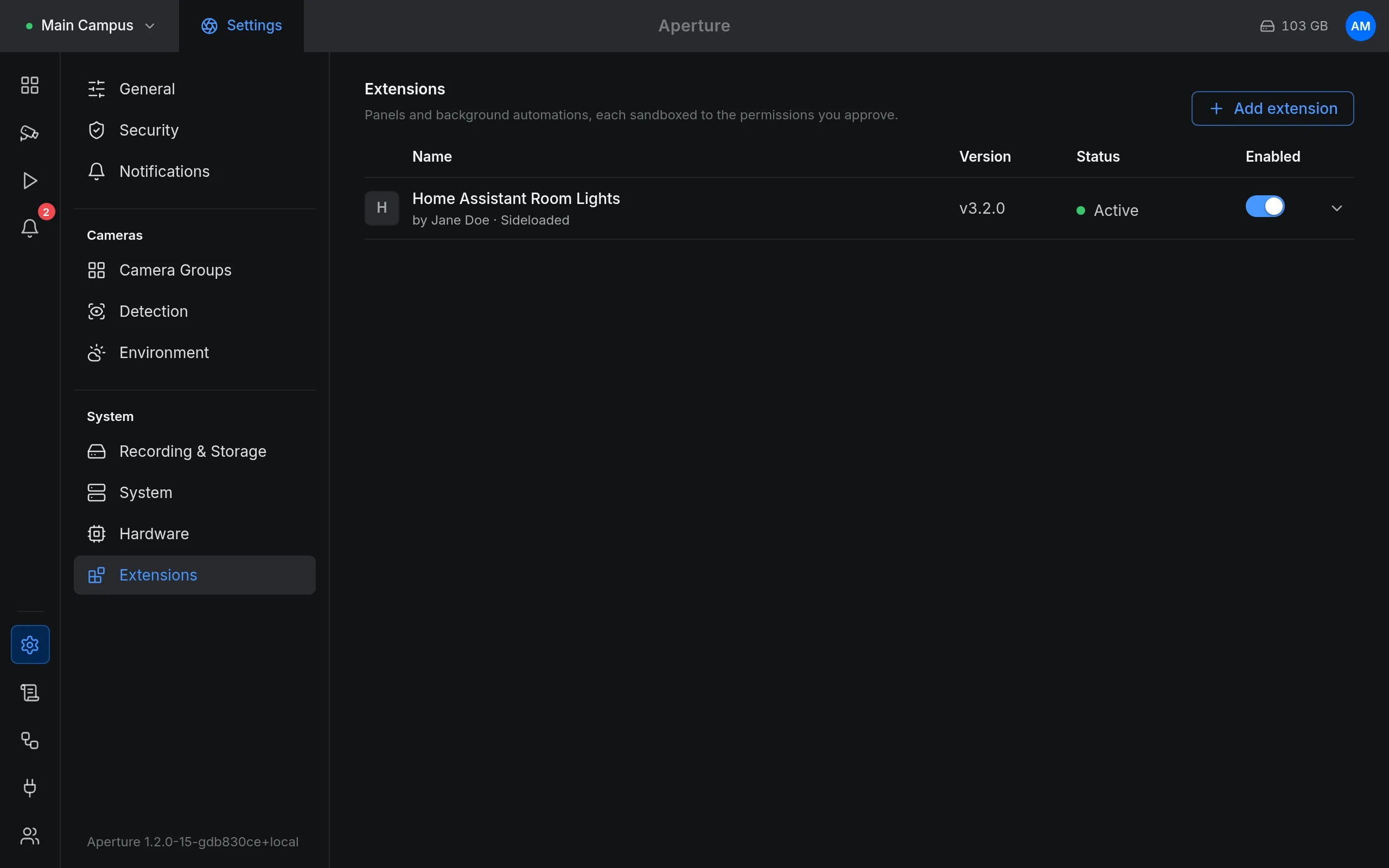
Extensions
Installed add-ons.
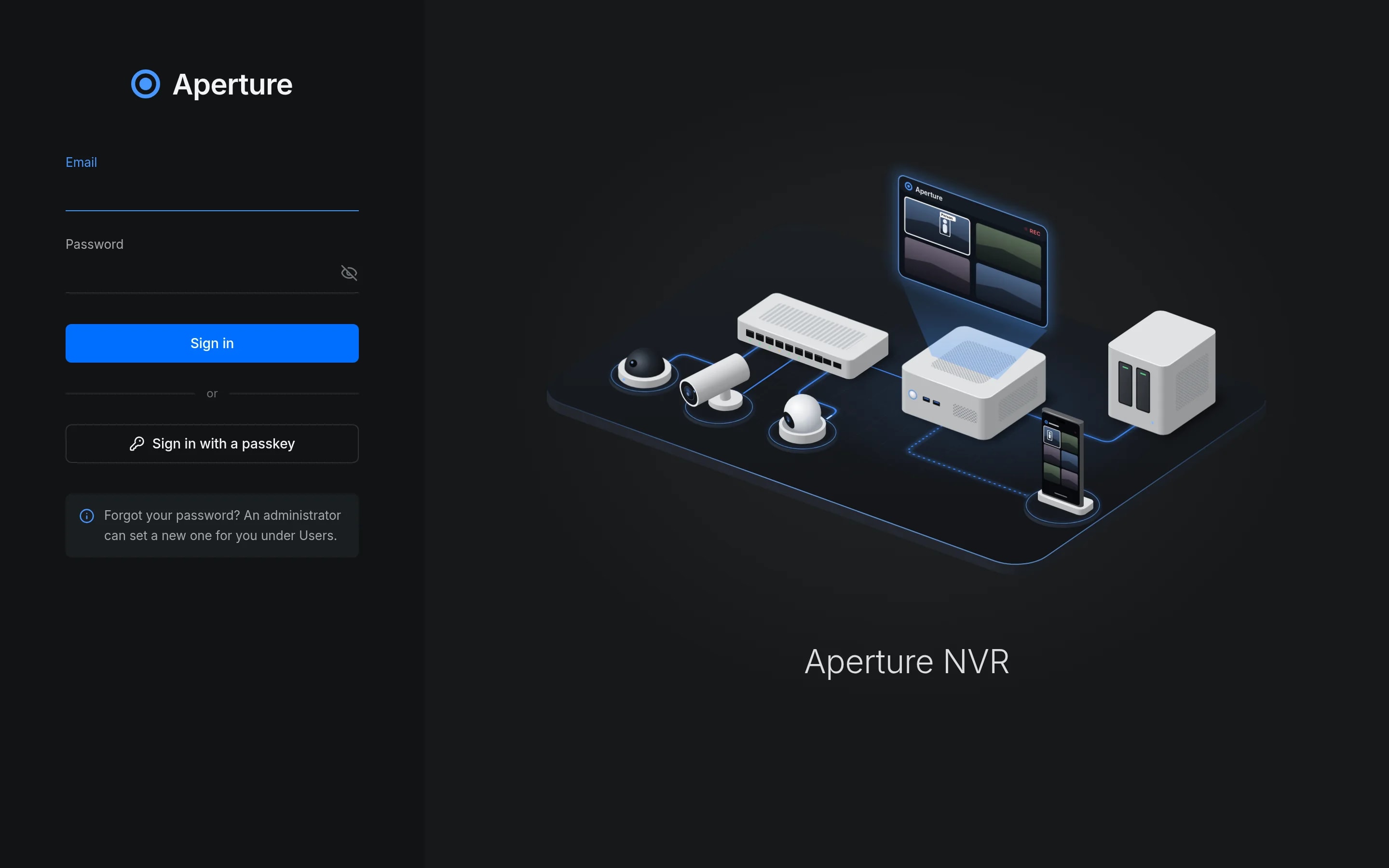
Sign-in
The sign-in screen.
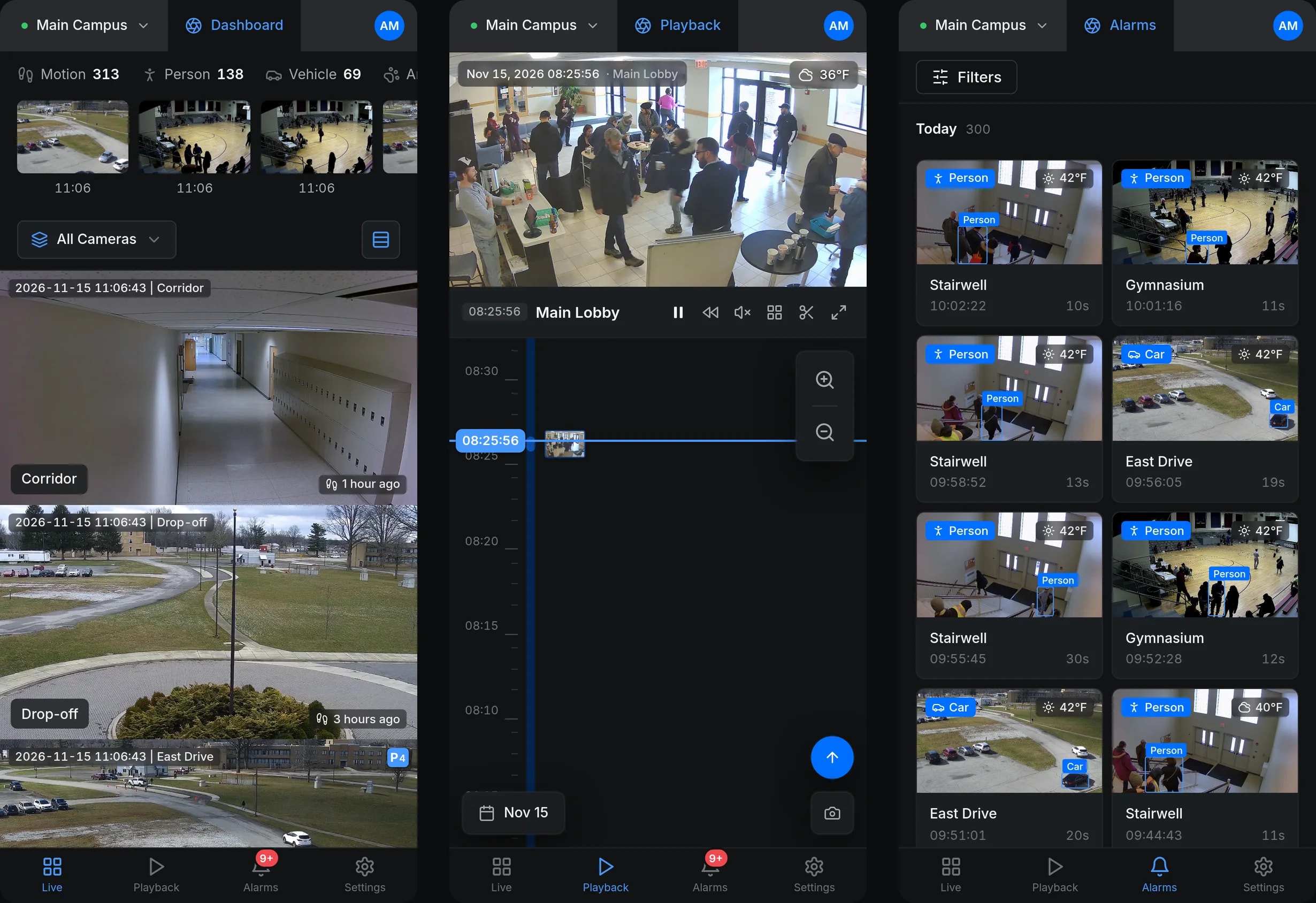
In the phone's browser
The same web app on a phone.
iPhone app
Aperture for iPhone connects straight to your own server.
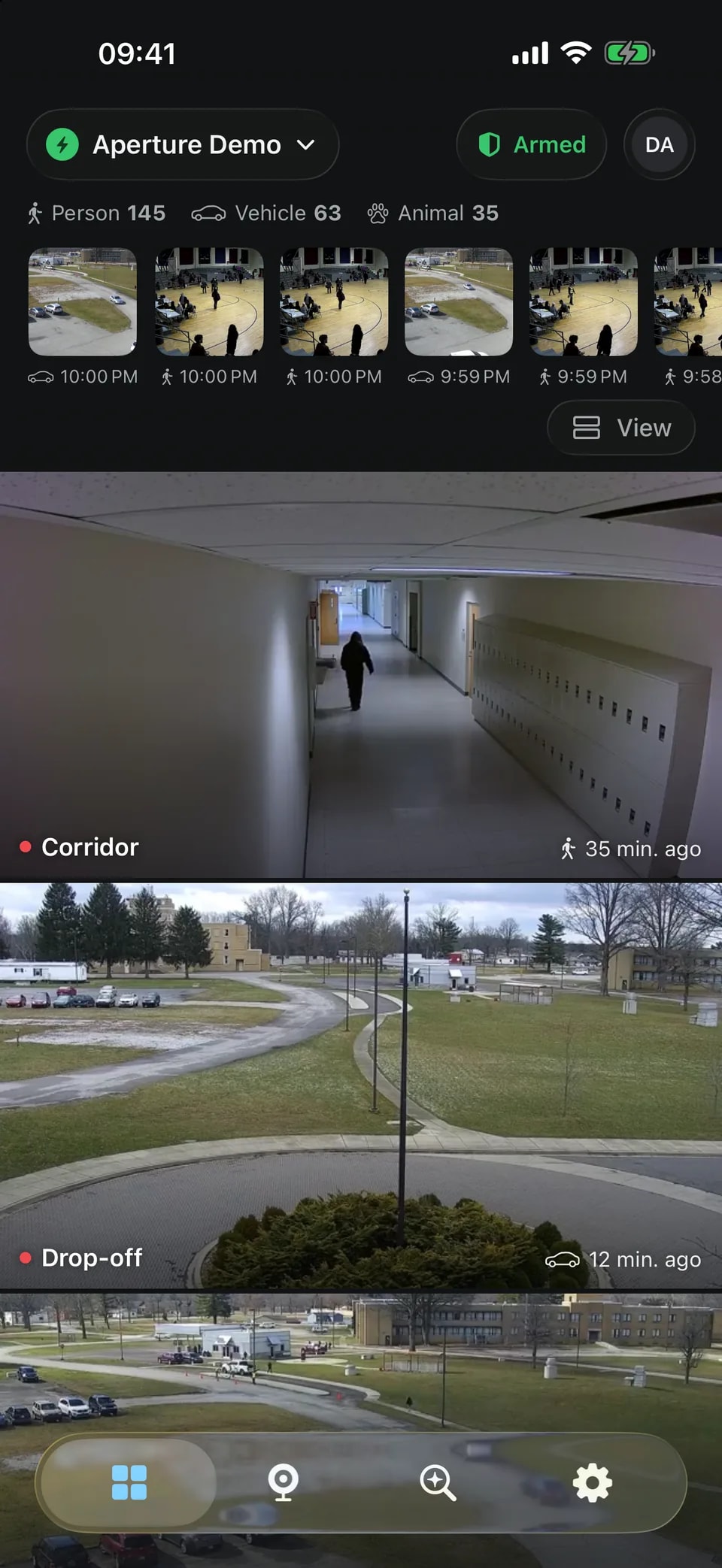
iPhone app: cameras
Every camera live.
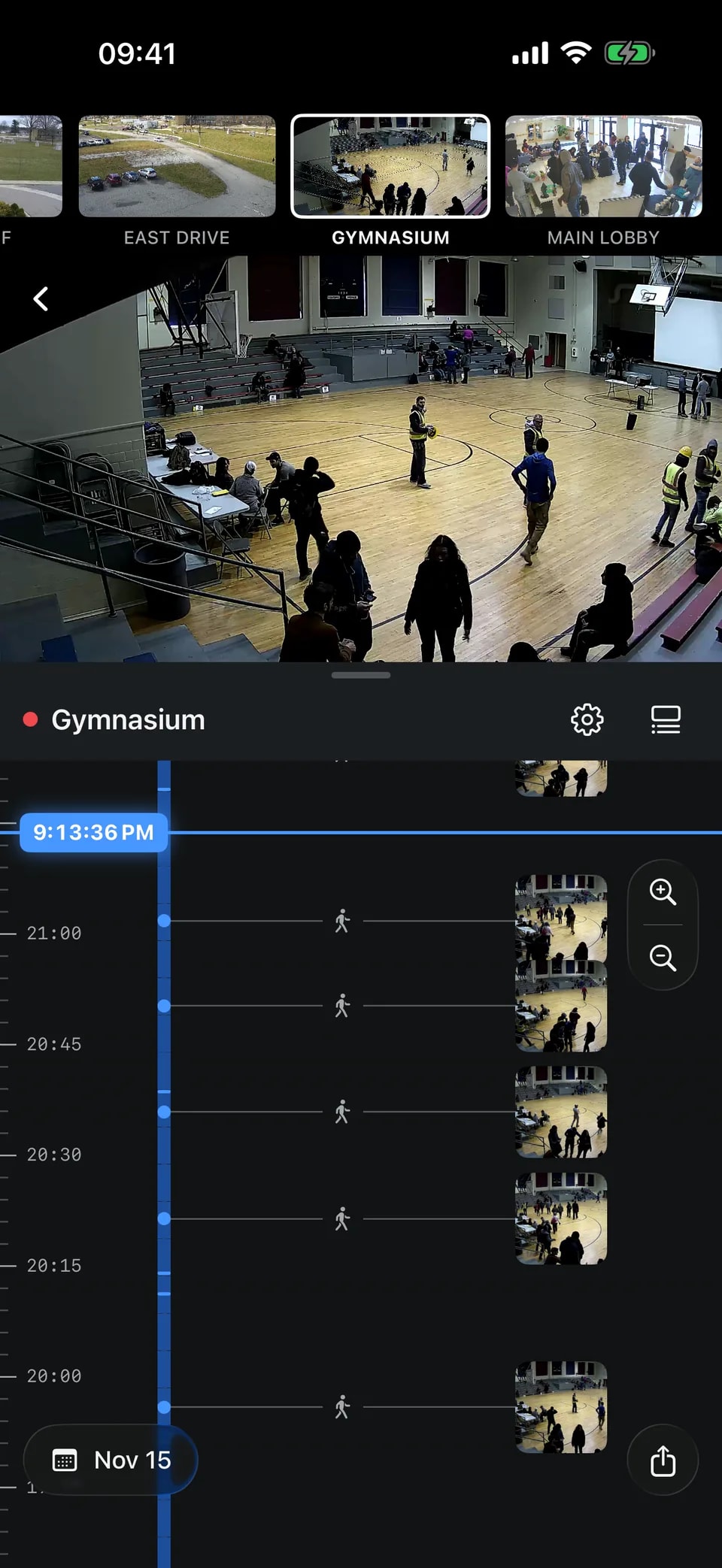
iPhone app: playback
A timeline per camera.
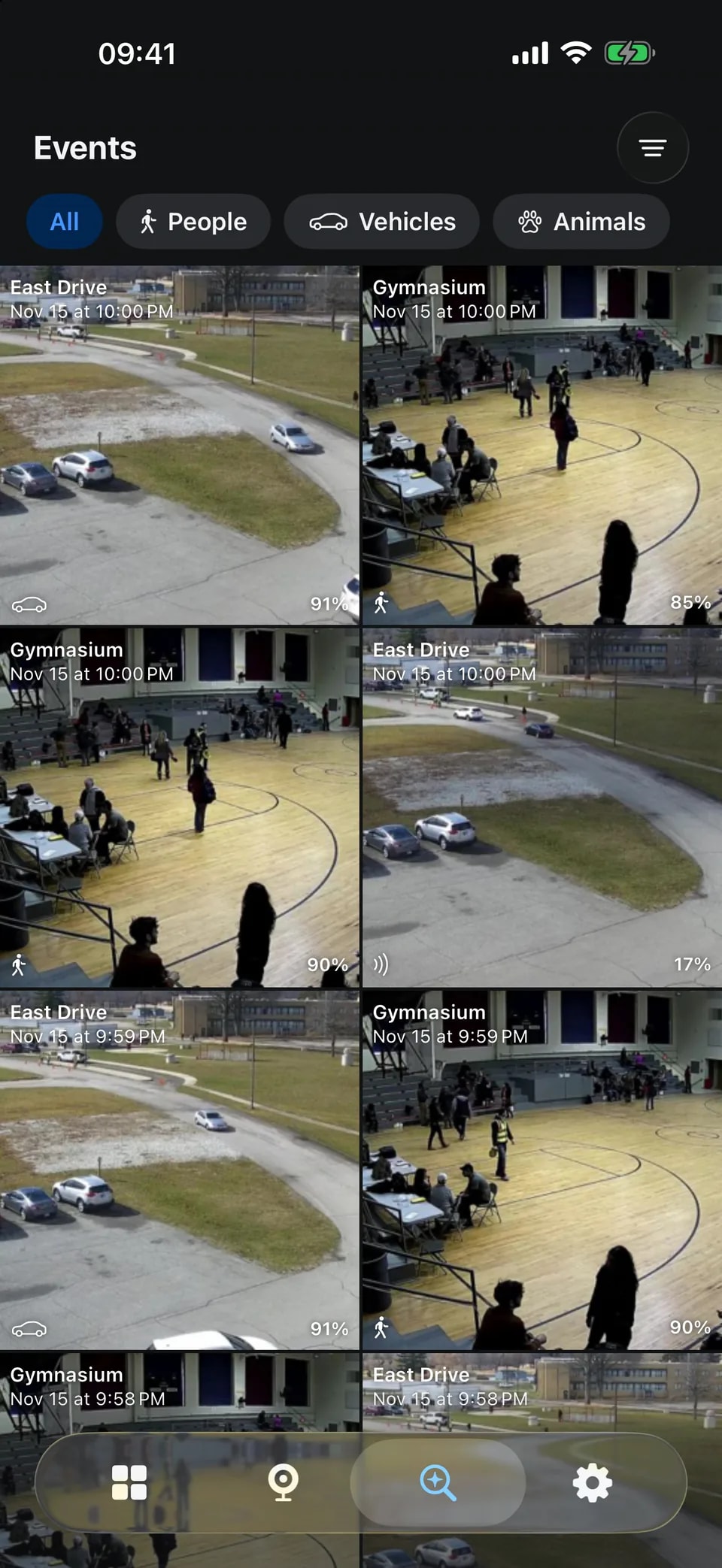
iPhone app: events
Detections, filtered by type and camera.
Loops
The same demo site, as short loops without sound. The same credit applies.
The live wall, 7 seconds, looping
Scrubbing through a day in playback, 7 seconds, looping
Colours.
The palette is the app's own. The page is graphite, the one blue is for the mark and for action, and red and green appear only where the product shows a real state.
RGB 71, 151, 255
HSL 214, 100%, 64%
The mark on dark backgrounds. Links, focus and the one action on a dark page.
6.4:1 on ground, 2.7:1 on paper
RGB 11, 95, 204
HSL 214, 90%, 42%
The mark on light backgrounds. Links and text-sized blue on a light page.
3.1:1 on ground, 5.5:1 on paper
RGB 8, 102, 240
HSL 216, 94%, 49%
Filled buttons, with white text on top (5:1).
3.7:1 on ground, 4.7:1 on paper
RGB 16, 18, 20
HSL 210, 11%, 7%
The dark page. It is the app's own page tone, so screenshots sit flush.
17.3:1 on paper
RGB 26, 29, 32
HSL 210, 10%, 11%
Panels, tables, the command block.
1.1:1 on ground, 15.6:1 on paper
RGB 34, 37, 40
HSL 210, 8%, 15%
Raised surfaces on a dark page.
1.2:1 on ground, 14.2:1 on paper
RGB 236, 238, 240
HSL 210, 12%, 93%
Headings and body text on dark.
16.1:1 on ground, 1.1:1 on paper
RGB 176, 181, 186
HSL 210, 7%, 71%
Secondary text on dark (at least 7:1 on the ground).
9.1:1 on ground, 1.9:1 on paper
RGB 245, 246, 247
HSL 210, 11%, 96%
The light page.
17.3:1 on ground
RGB 255, 255, 255
HSL 0, 0%, 100%
Panels on the light page.
18.8:1 on ground, 1.1:1 on paper
RGB 18, 20, 22
HSL 210, 10%, 8%
Headings and body text on light.
1:1 on ground, 17.1:1 on paper
RGB 75, 80, 86
HSL 213, 7%, 32%
Secondary text on light.
2.3:1 on ground, 7.5:1 on paper
RGB 240, 73, 78
HSL 358, 85%, 61%
A camera that is recording. Only for real recording state, never decoration.
5.2:1 on ground, 3.4:1 on paper
RGB 57, 198, 109
HSL 142, 55%, 50%
A camera or service that is online. Only for real state.
8.5:1 on ground, 2:1 on paper
RGB 17, 19, 20
HSL 200, 8%, 7%
The app icon's ground.
1:1 on ground, 17.2:1 on paper
CSS variablesJSONGIMP, Inkscape, Krita (.gpl)Adobe Swatch Exchange (.ase)Swatch sheet (PNG)Swatch sheet (SVG)
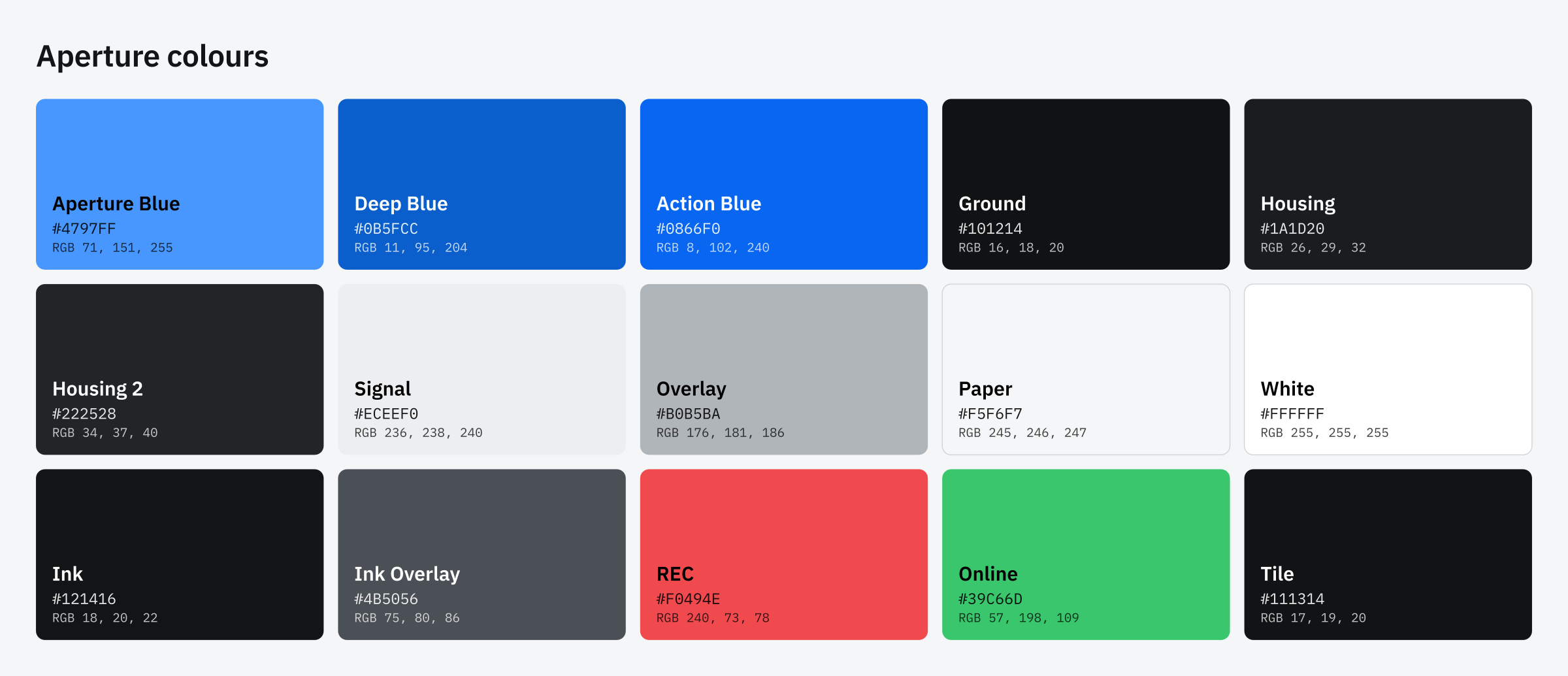
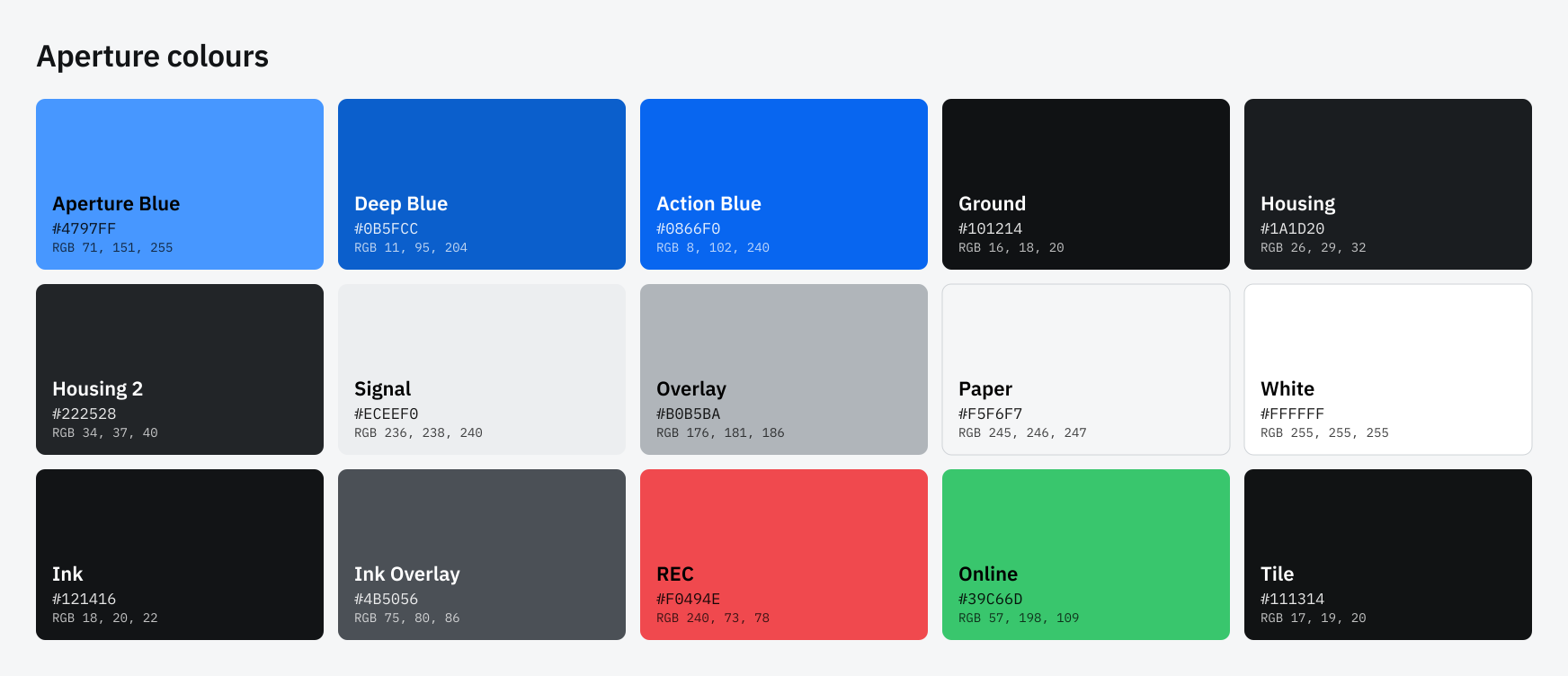
Contrast is WCAG 2 against the dark ground (#101214) and the light paper (#f5f6f7). Blue text needs Deep Blue on a light page and Aperture Blue on a dark one.
Type.
IBM Plex Sans for text and IBM Plex Mono for commands, timestamps and numbers. Both are free under the SIL Open Font License.
Record your cameras on your own machine.
Aperture is a network video recorder for Linux. It records every IP camera that speaks RTSP, and plays it all back in a fast web app.
$ curl -fsSL https://aperturenvr.com/install | sudo sh
- TextIBM Plex Sans, 17 px on a 1.6 line, headings at weight 560 to 600 with -0.02 em tracking, no heavier
- DataIBM Plex Mono, only for real data: commands, timestamps, model timings
- ScaleA perfect fourth (1.333) from 17 px: 22.7, 30.2, 40.3, 53.7, 71.6
- Get the fontsibm.com/plex and github.com/IBM/plex
Guidelines.
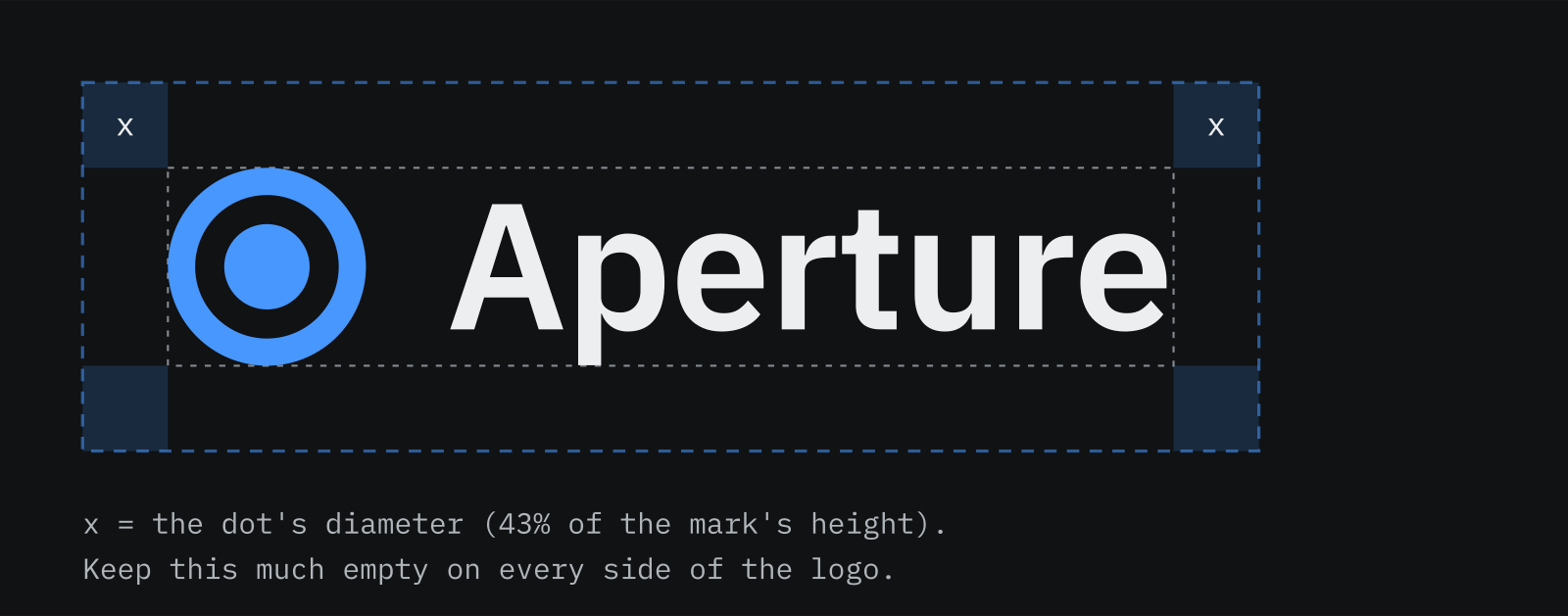
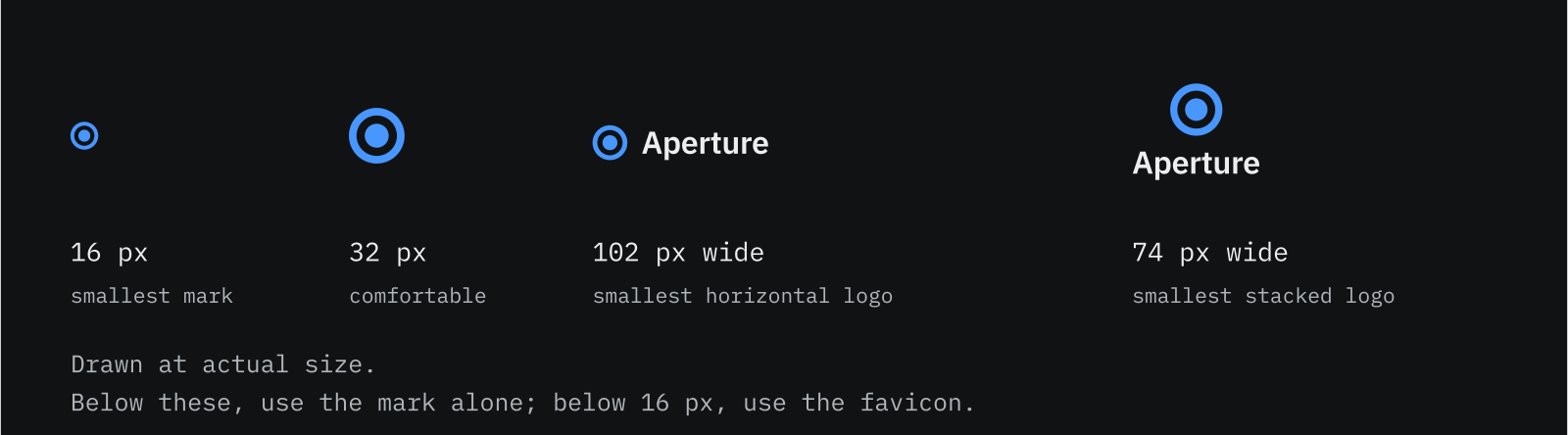
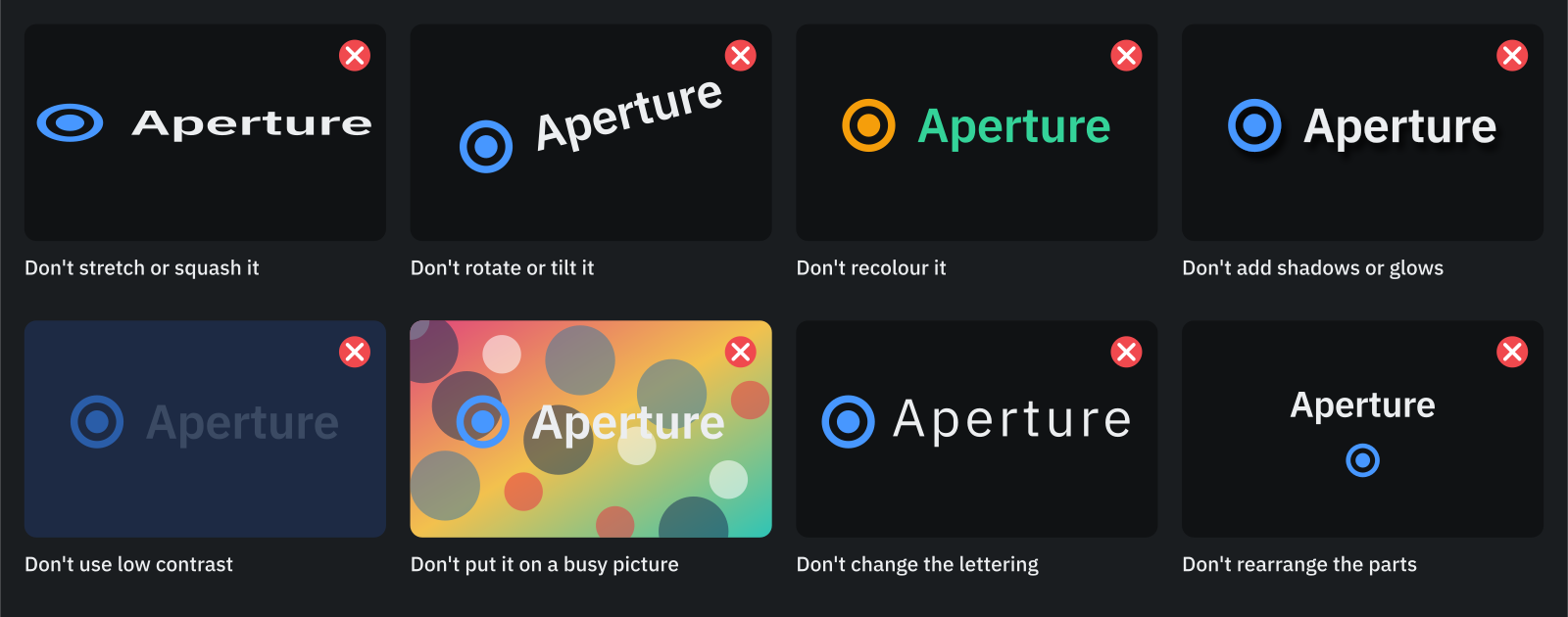
A few rules keep the logo recognisable. The files are drawn to follow them, so most of this is already done for you.
How the mark is built
Room around it
Smallest sizes
Which one to use
- On a dark background use the on dark logo; on a light one, the on light logo. They differ only in the blue and the text.
- On a photograph or a colour, use the white or the black logo, whichever contrasts more, over a calm area.
- Print in one colour with the black logo; use the blue logo only where one brand colour is wanted.
What not to do
Using it.
You may
- Use these files to write about, link to or show Aperture: articles, reviews, videos, talks, directories, social posts and community pages.
- Scale, crop to a banner's safe area, and place the logo on your own backgrounds.
- Use the screenshots and loops, with the credit above.
Please don't
- Suggest that Aperture endorses, sponsors or is part of what you make.
- Change the logo (see the guidelines), or use it for anything that is not Aperture.
- Present Aperture as affiliated with a camera maker: it is an independent project.
Anything else, or a file that is missing: contact@aperturenvr.com. The same text is in every zip.